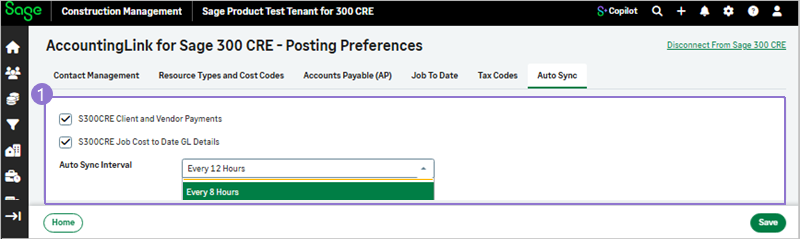
Auto Sync
Automatically synchronize Sage 300 Construction and Real Estate client and vendor payments, as well as job cost–to-date general ledger (GL) details for a specified time period.
-
-
Select AccountingLink > Posting preferences > Auto Sync.
-
Select the details that should be synchronized. Options include:
-
S300CRE Client and Vendor Payments
-
S300CRE Job Cost to Date GL Details
-
-
Select the Auto Sync Interval from the dropdown.
- Every 4 Hours
-
Every 8 Hours
-
Every 12 Hours
-
Every 24 Hours
-
Select Save.
-