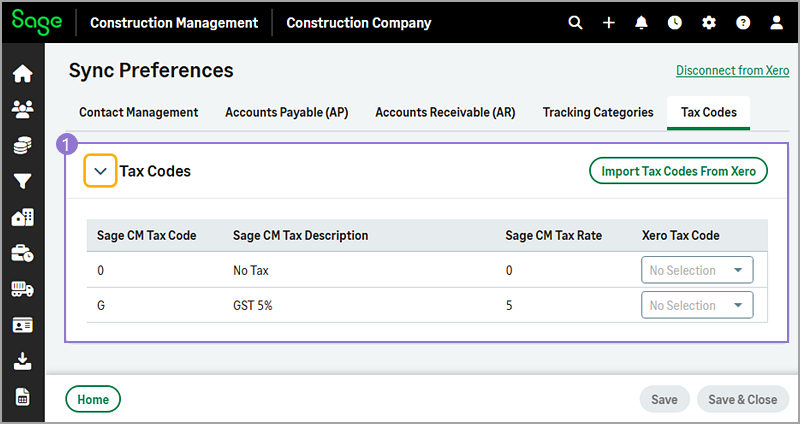
Tax Codes sync preferences
-
When exporting Sage Construction Management financial transactions, you must map Sage Construction Management tax codes to the corresponding Xero tax codes. This mapping must be completed before running the Sync Wizard, and the tax codes must match between Sage Construction Management and Xero.
When establishing the initial connection, you can select the Import Tax Codes from Xero option to import tax codes from Xero. Note that any changes to tax code percentages (%) must be updated manually in both systems.
Tax codes are applicable to the following transactions:
- Bills
- Subcontract Invoices
- Miscellaneous Expenses
- Prime Contract Invoices