Review
Use the Review tab options to add a new signature, stamp, date, or note.
Select the Review tab to display the following options:
| Option | Name | Description |

|
Signature |
Use the Signature tool to add a handwritten or typed signature directly to the document. Signatures can be placed anywhere on the page to approve, authorize, or validate documents without printing. Create a signature
|

|
Stamp |
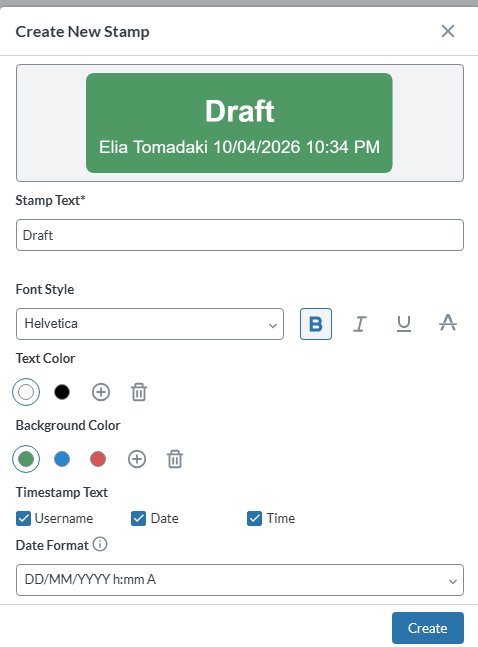
Use the Stamp tool to apply predefined or custom stamps—such as Approved, Reviewed, or Draft to the document. Stamps provide a quick visual indicator of document status or workflow stage. Create a stamp
|

|
Date |
Use the Date tool to insert the current date onto the document. Date stamps are useful for recording when a document was reviewed, signed, or approved. Add a date
|