Redesigned posting preferences
Related information
 Related topics
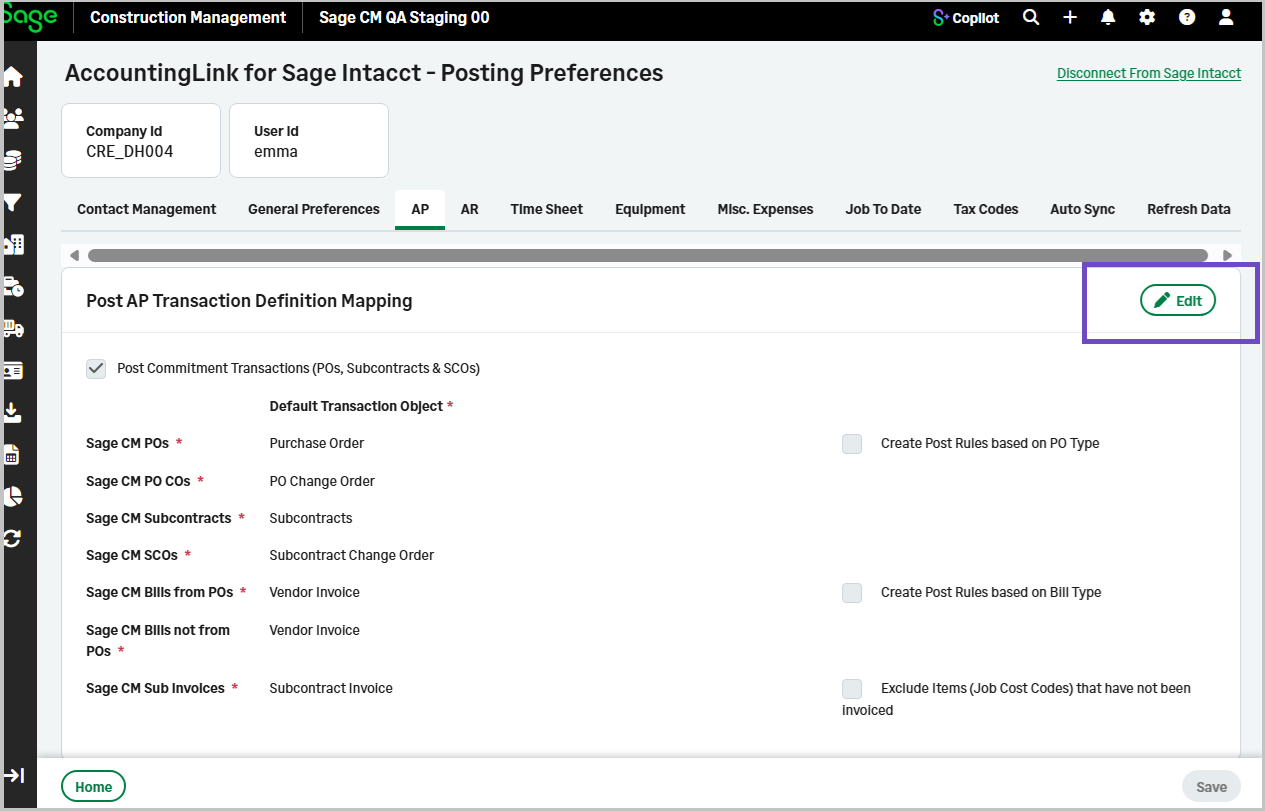
The posting preferences tabs in the AccountingLink for Sage Intacct have been redesigned so each section can be edited independently.
Details
Posting preferences are now organized into clearly defined sections, each with its own Edit option. This allows you to update individual areas without entering a full edit mode for the entire page.
The redesign applies to the following posting preferences tabs:
-
Contact Management
-
General Preferences
-
AP
-
AR
-
Time Sheet
-
Equipment
-
Job To Date
-
Tax Codes
-
Auto Sync
How it works
-
Go to the AccountingLink for Sage Intacct.
-
Select Posting Preferences.
-
Select any posting preferences tab, select the Edit icon in the top‑right corner of the section you want to update.
You can make and save changes for that section independently.