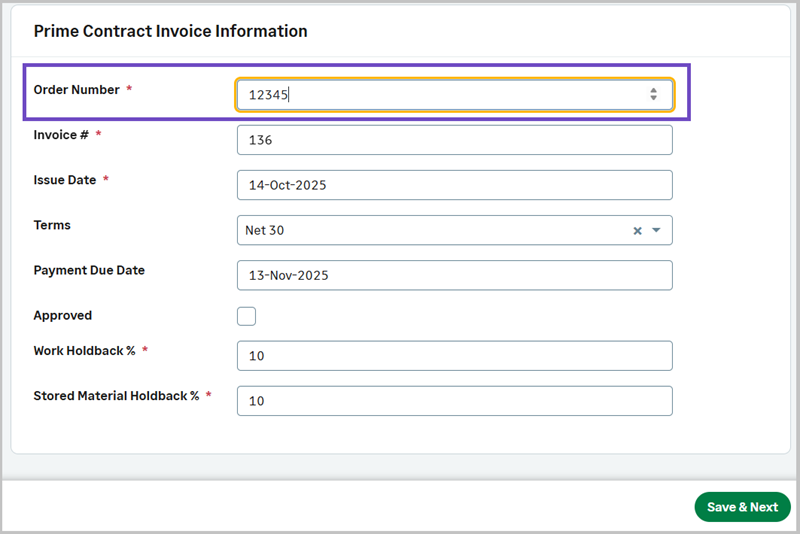
Order Number length up to five digits
The Order Number field now enforces numeric input and length limits to prevent invalid values across CPRs, COs, Prime Invoices, SCOs, and Sub Invoices.
Details
Previously, users could enter non‑numeric values or exceed the supported length in the Order Number field, which could prevent records from being saved or progressed even when all required fields appeared complete. The field now restricts input to valid numeric values and enforces a length limit of up to five digits, reducing confusion and ensuring consistent behavior across all supported record types.
How it works
When entering or editing an Order Number on CPRs, COs, Prime Invoices, SCOs, or Sub Invoices, the field now accepts only valid numeric input of up to five digits.
-
Go to Projects and select the appropriate project from the list.
- On the Projects homepage, select one of the following:
- CPRs
- COs
- Prime Invoices
- SCOs
- Sub Invoices
- Select Actions > Add Manually.
- Enter the Order Number.