View transactions that cannot be posted to Sage 100 Contractor
Related information
 Related topics
A new function lets you view transactions that couldn’t be posted to Sage 100 Contractor because the associated prime contract, purchase order, or subcontract is marked as exported. This provides better visibility into posting issues and helps you identify and resolve them more efficiently.
Details
A new function has been added for each transaction type under the following tabs in the AccountingLink for Sage 100 Contractor:
-
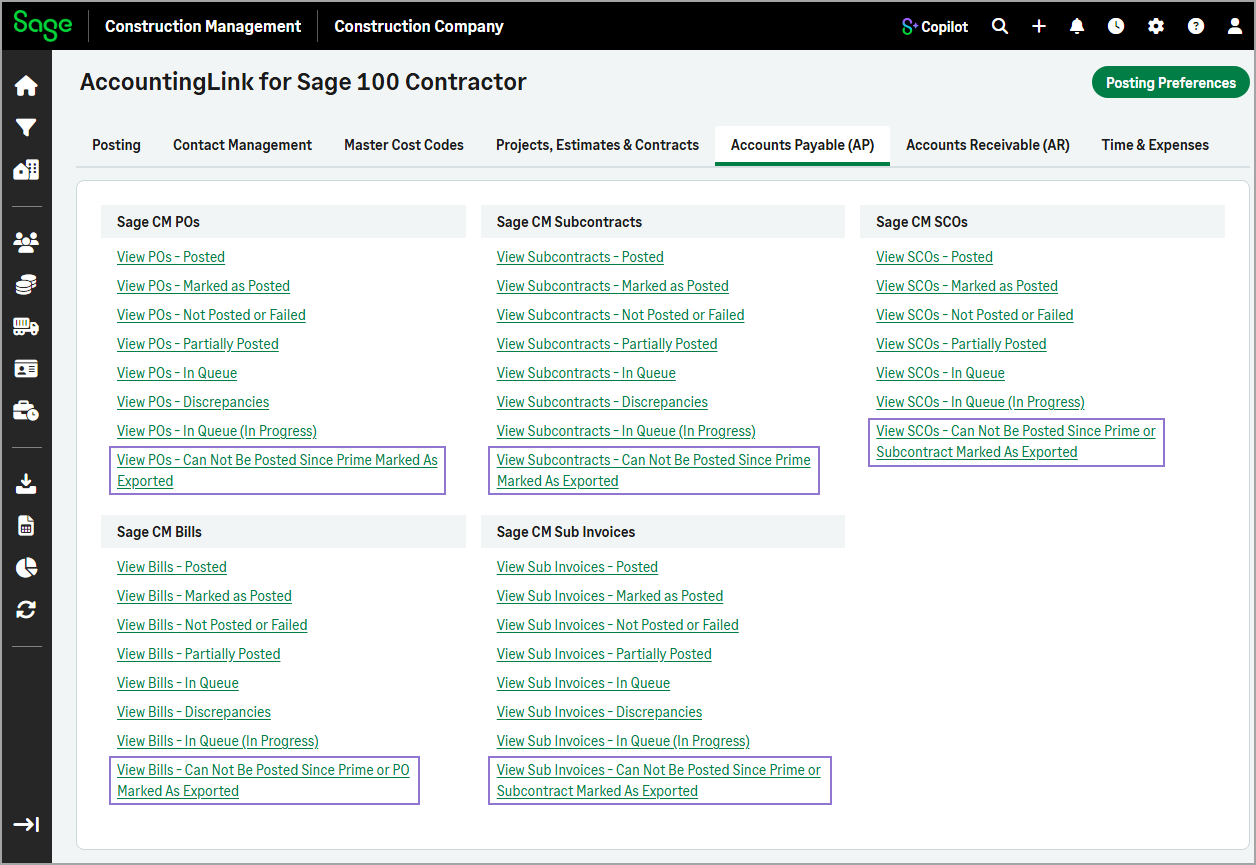
Accounts Payable (AP
-
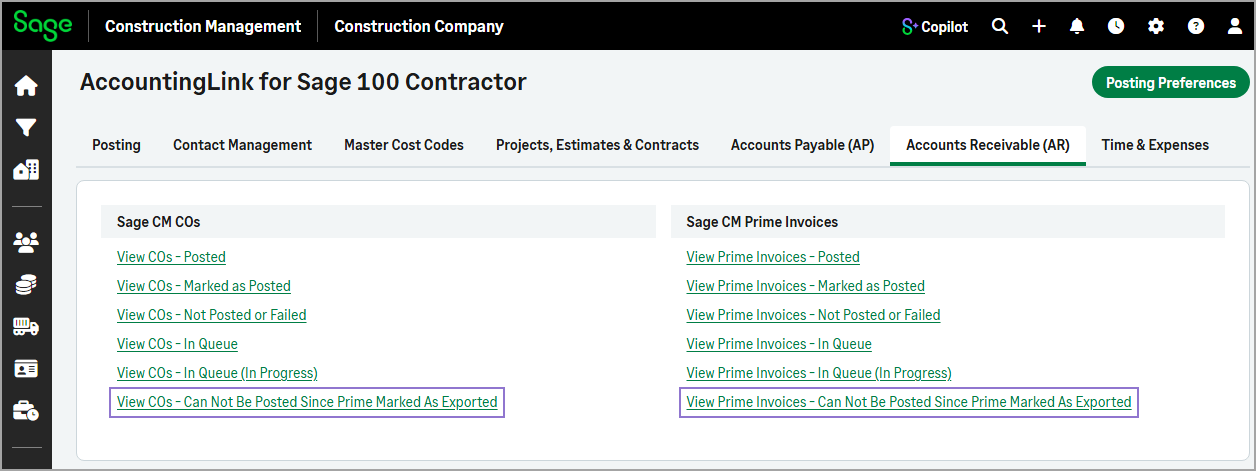
Accounts Receivable (AR)
-
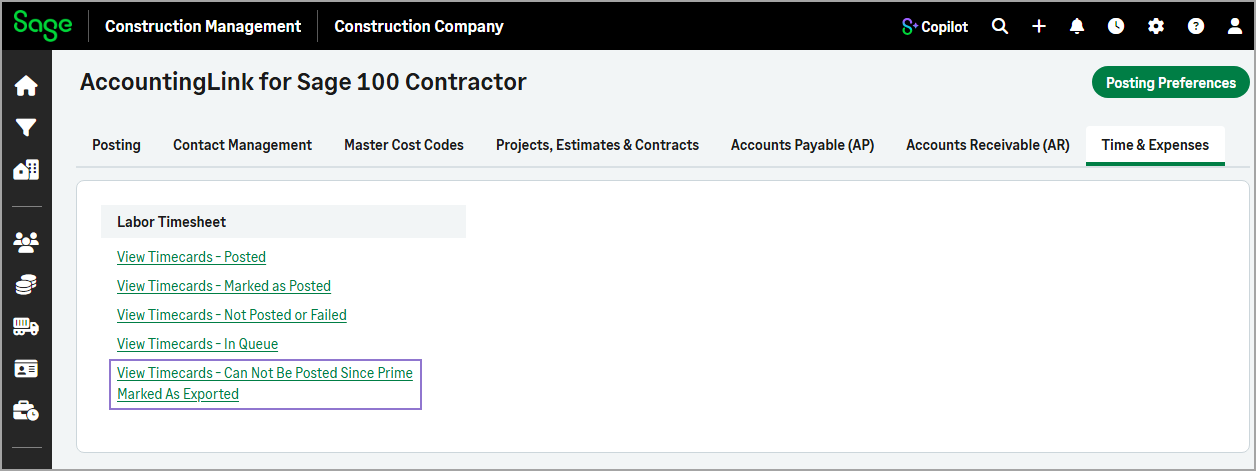
Time & Expenses
How it works
-
Go to Accounting Link and select one of the following tabs as needed:
-
Accounts Payable (AP)
-
Accounts Receivable (AR)
-
Time & Expenses
-
-
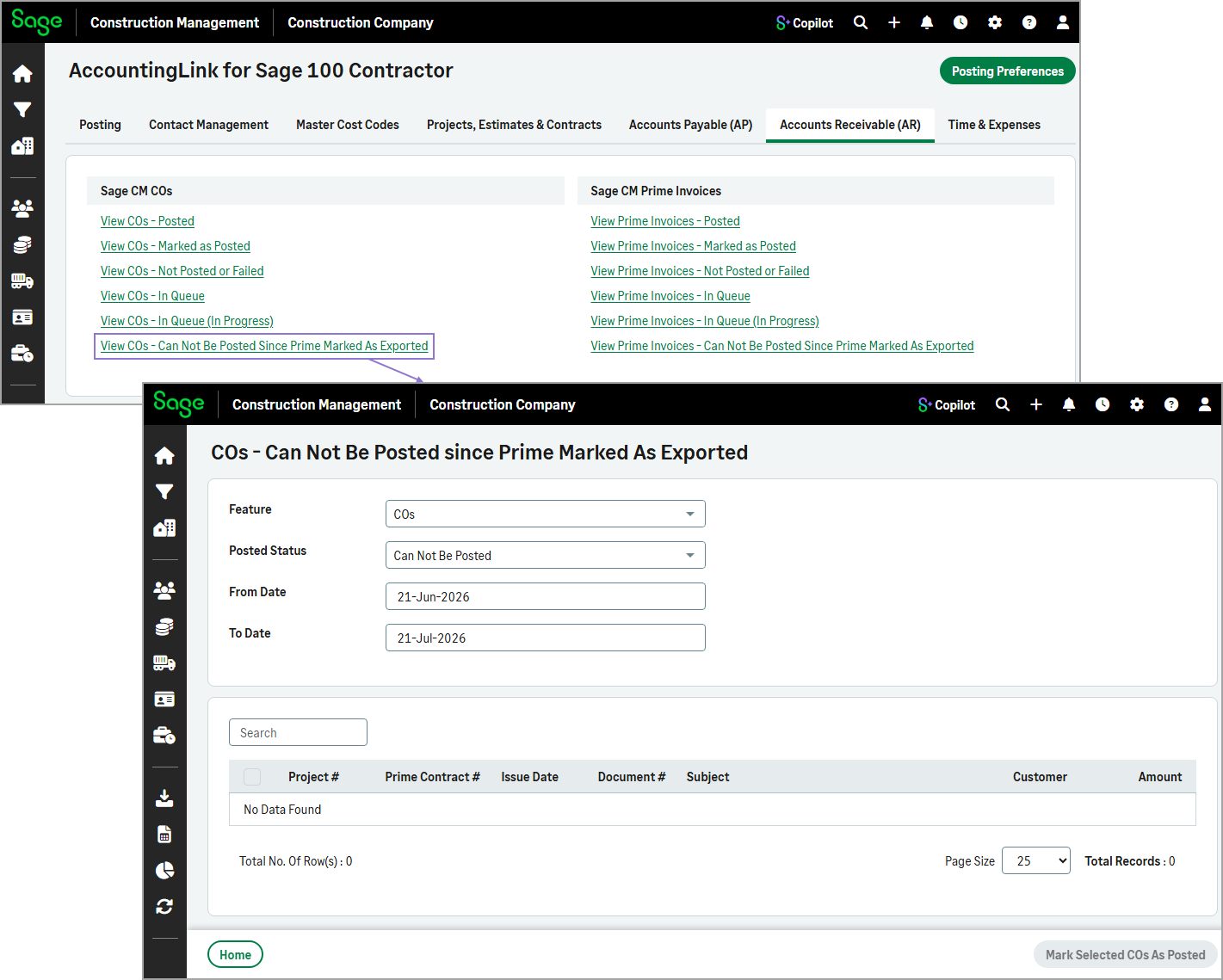
Select the View Can Not Be Posted Since Prime, PO, or Subcontract Marked As Exported function in the appropriate section.
For example, in the Accounts Receivable (AR), select View COs - Can Not Be Posted Since Prime Marked As Exported in the Sage CM COs section.
The table lists all the transactions that cannot be posted.