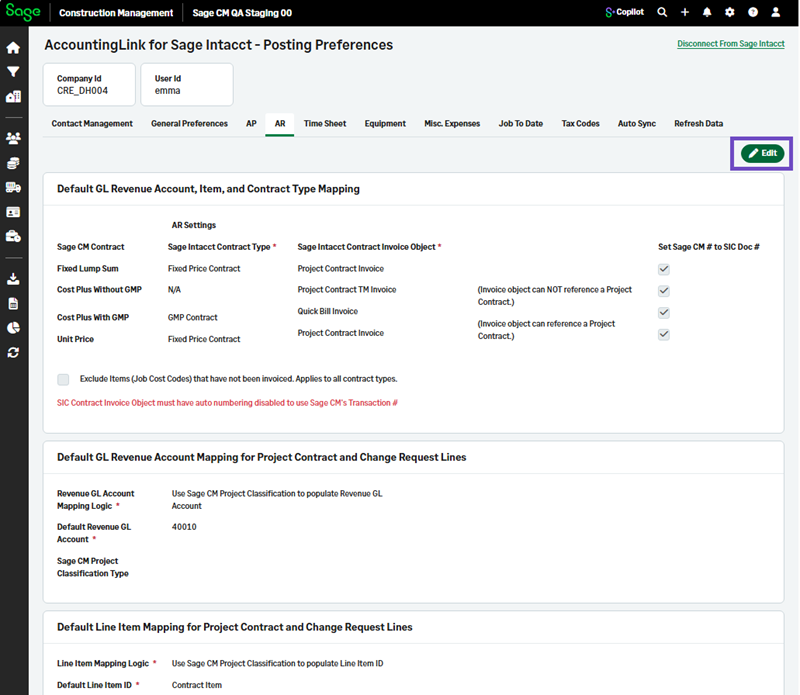
Post Preferences tabs use a single Edit button
Related information
 Related topics
Managing Post Preferences is now performed through a single Edit button available for each tab, instead of separate Edit buttons in individual sections.
Details
To simplify data entry and create a more consistent experience, the Post Preferences pages in AccountingLink for Sage Intacct have been updated so that each tab contains one Edit button that controls editing for the entire tab.
Previously, individual sections within a tab had their own Edit buttons.
This update applies to the following tabs:
-
General Preferences
-
AP
-
AR
-
Time Sheet
-
Equipment
-
Misc Expenses
-
Job To Date
-
Attachments
How it works
-
Go to Accounting Link and select Posting Preferences.
-
Select a tab, and then select Edit.