Enhanced Company Profile page and new Financial Details insights
Related information
 Related topics
The Company Profile page has been redesigned with a tabbed layout that provides a more organized and efficient user experience. The redesign also introduces a new Financial Details tab, which provides visibility into vendor and client-related financial activity and transaction totals.
Details
Previously, company information was displayed on a single page. With this update, the landing page features the following summary cards at the top of the page that provide quick access to key company information:
-
Status
-
Active Projects
-
Active Leads
-
Insurance with the number of expired insurance records
-
License with the number of expired license records
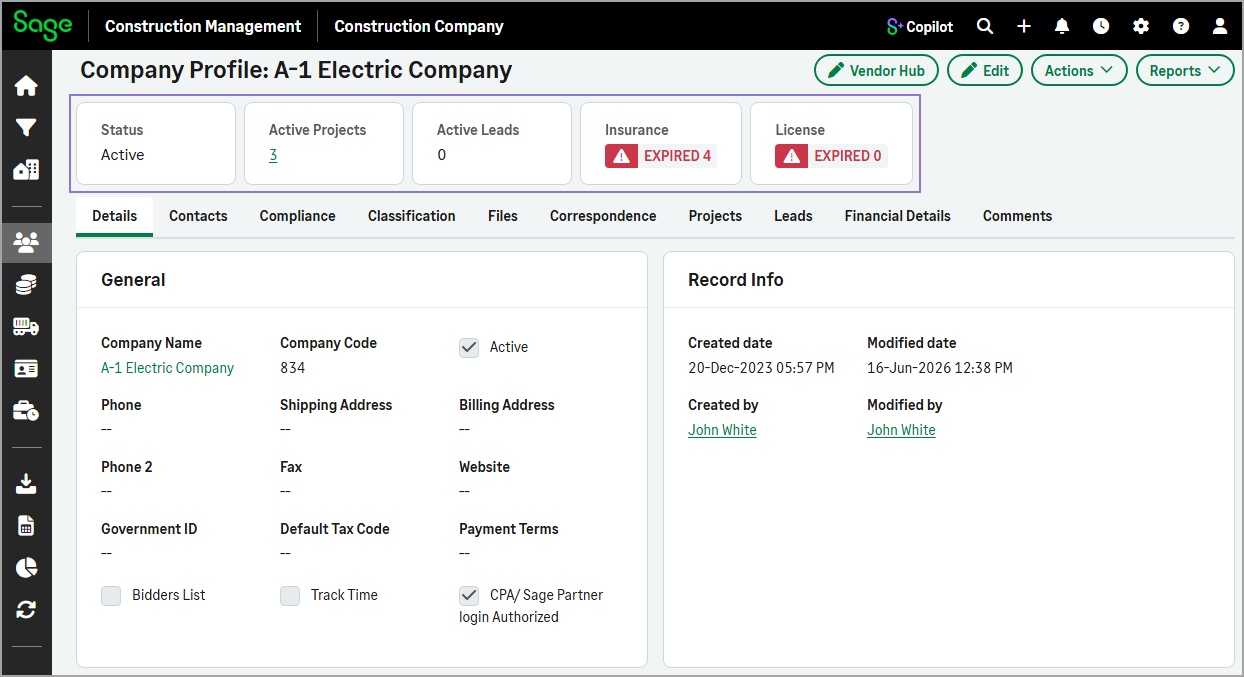
Below the summary cards, related information is organized into dedicated tabs, making it easier to navigate and locate specific details.
The redesigned Company Profile page includes the following tabs:
-
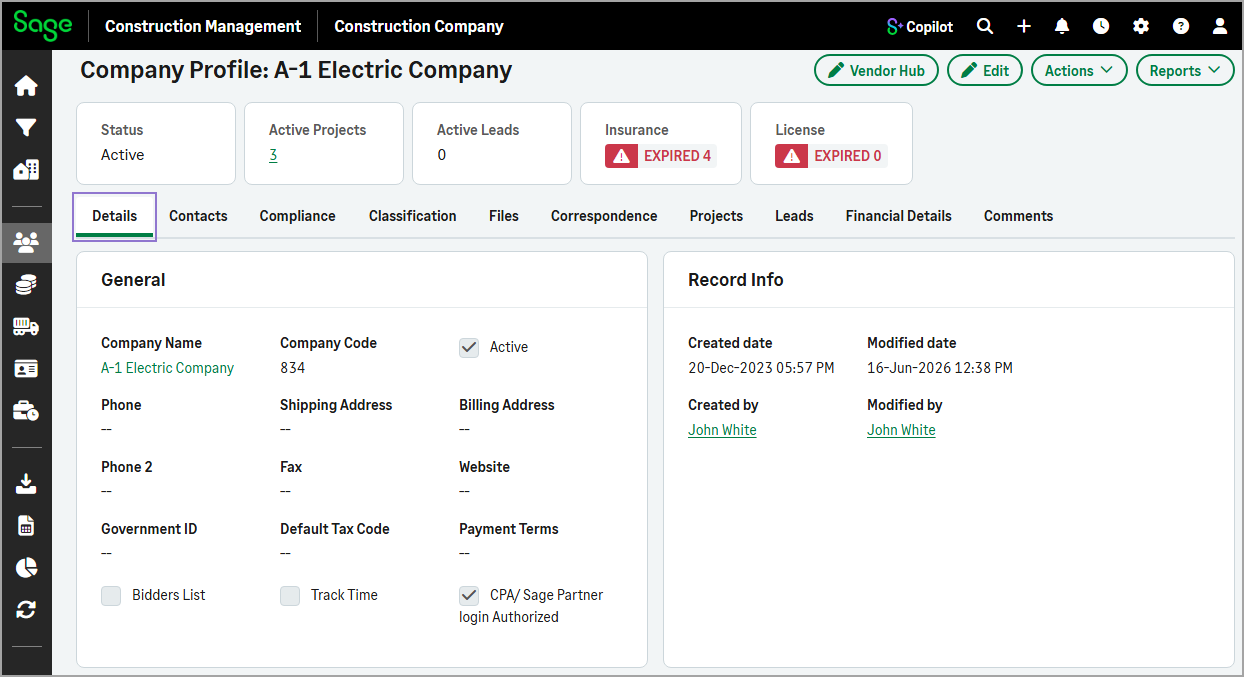
Details
Displays the company's general information.
-
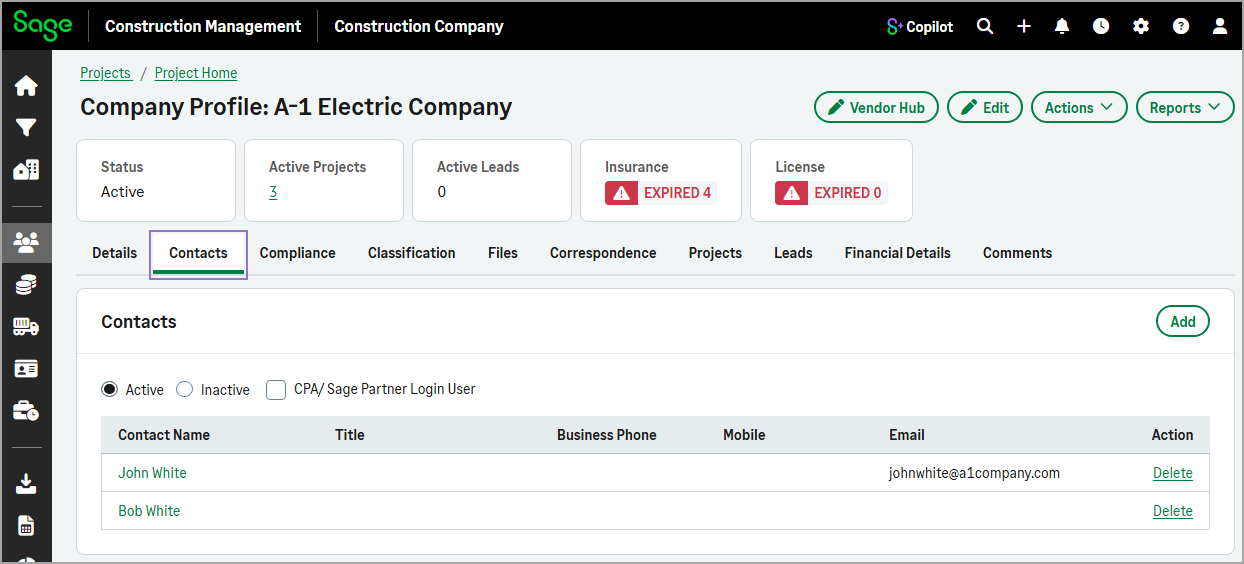
Contacts
Lists all contacts associated with the company.
-
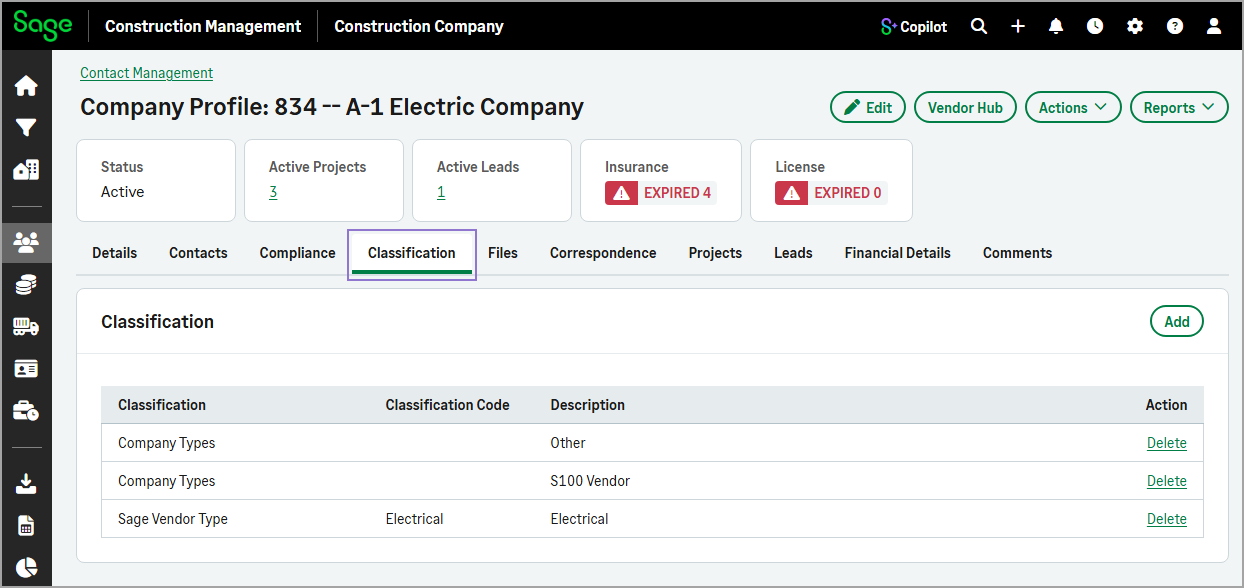
Classification
Displays the company's classifications.
-
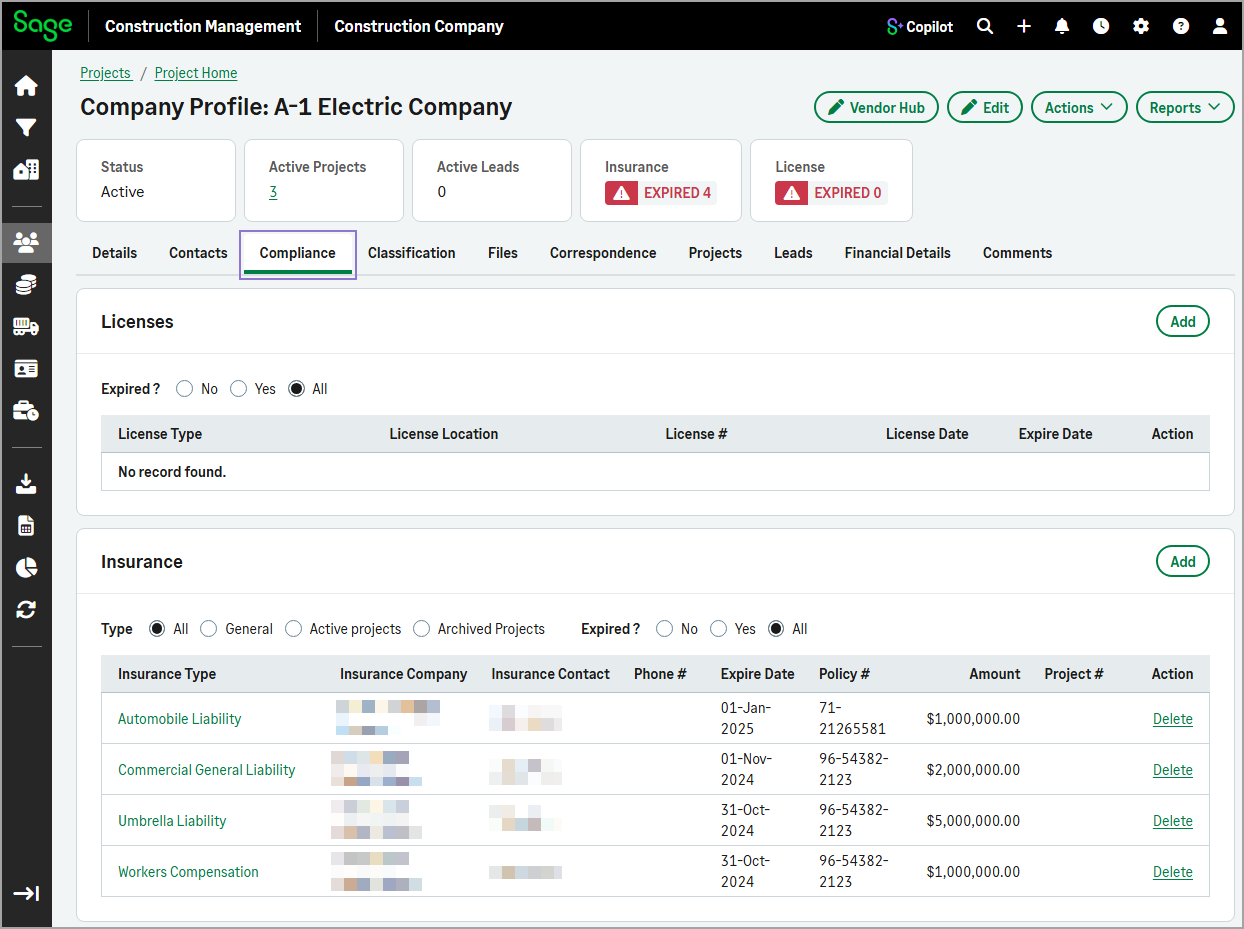
Compliance
Displays the company's insurance and license records.
-
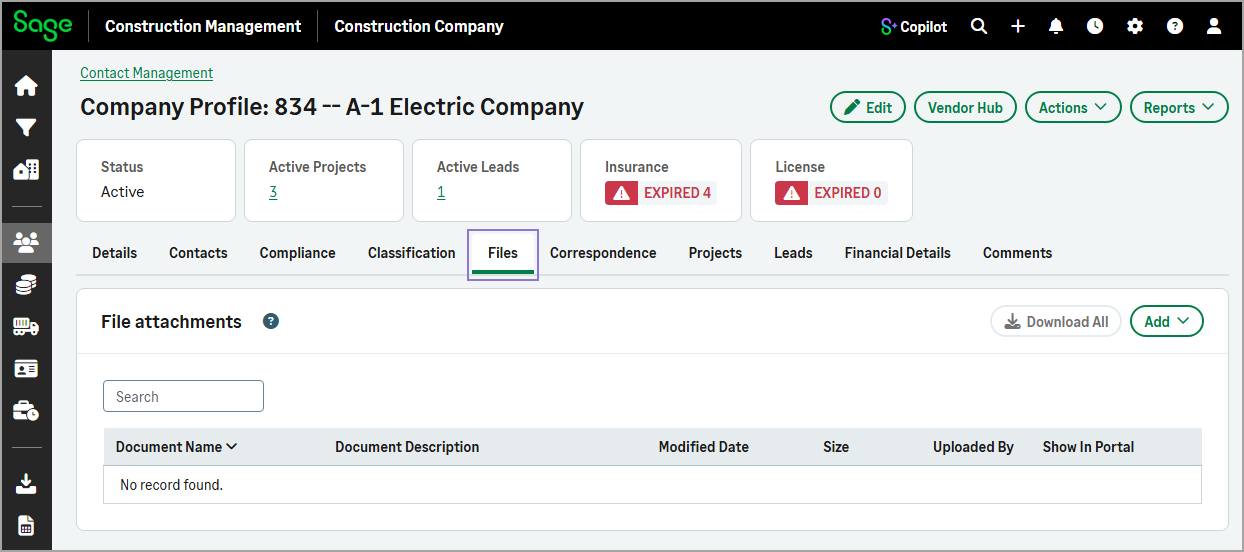
Files
Displays all files linked to the company record.
-
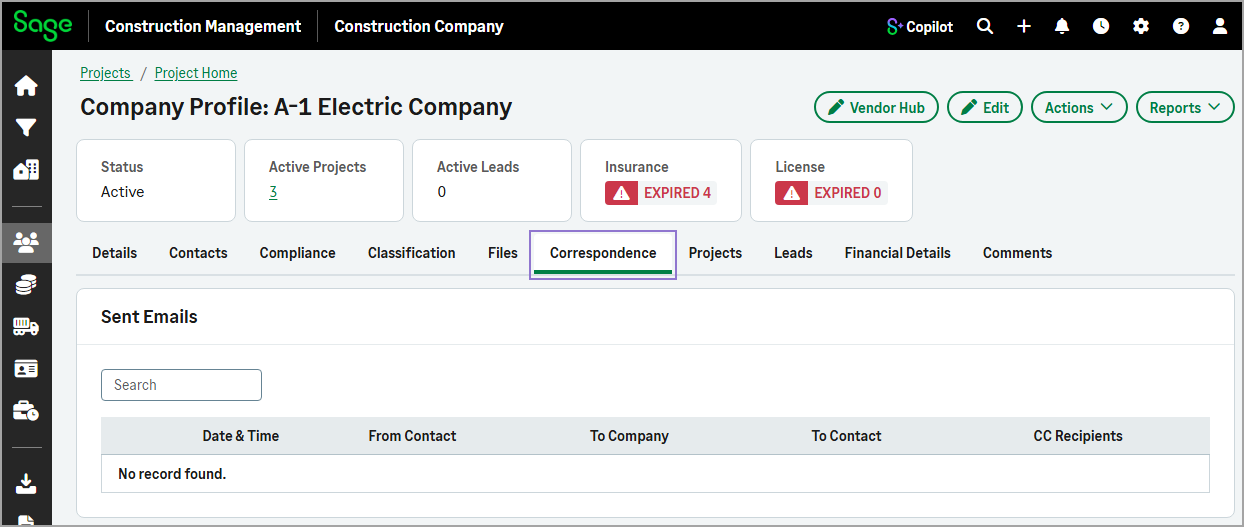
Correspondence
Displays all email company communication with the company from the projects and leads with which the company is associated.
-
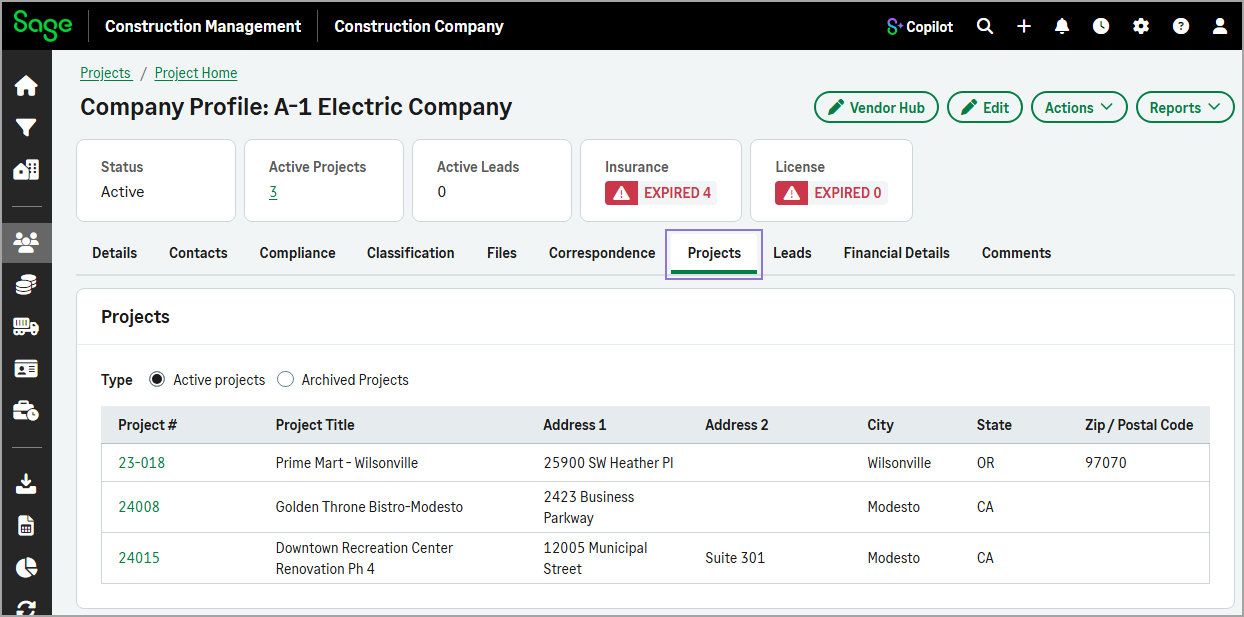
Projects
Lists all projects where the company is included in the project directory.
-
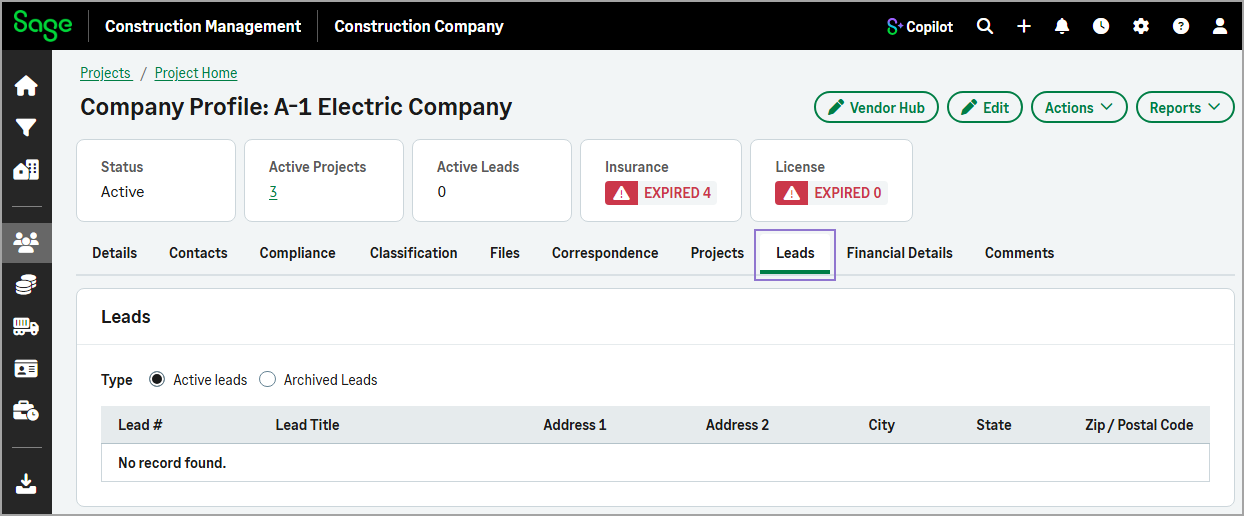
Leads
In addition to the existing company information, a new Leads tab lets you view all leads where the company is listed in the lead directory.
-
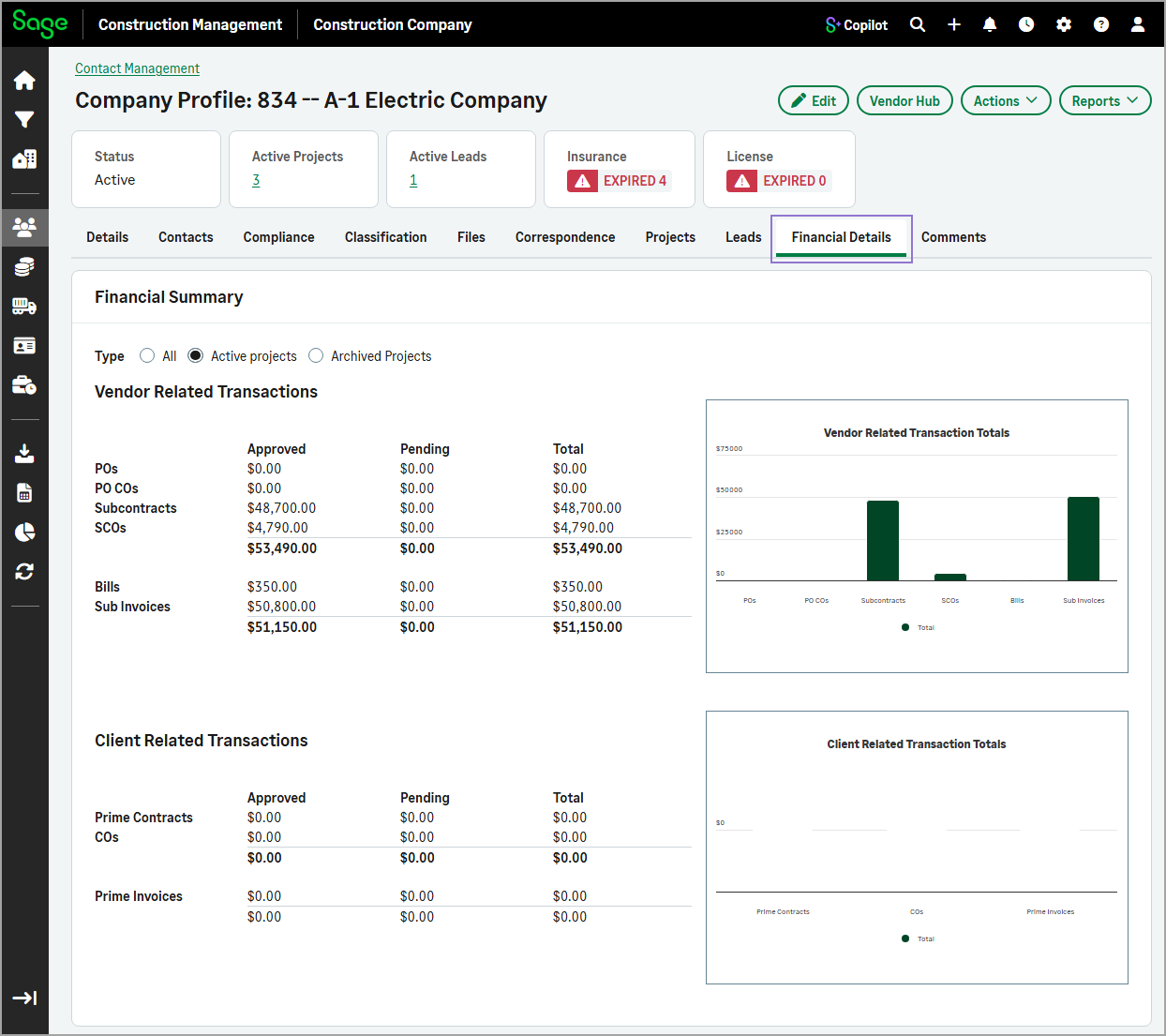
Financial Details
Provides a financial summary of the company's vendor and client-related transactions, including approved, pending, and total amounts. Interactive charts help you quickly review transaction totals across active or archived projects.
-
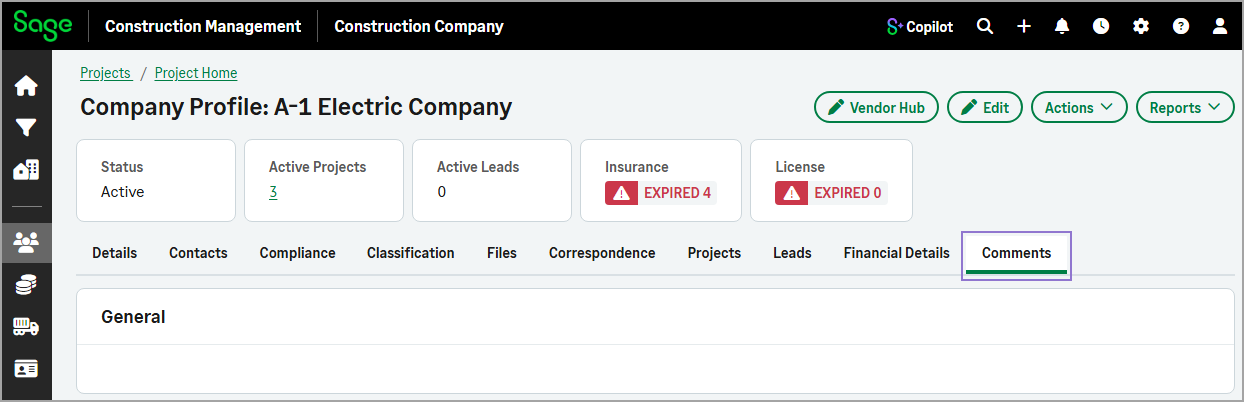
Comments
Displays any additional comments recorded for the company.
The Edit Company form has also been updated with a tabbed layout to simplify editing company information. The form now includes:
-
Details
Update the company's general information.
-
Comments
Add or edit comments for the company.
These improvements make it easier to find, manage, and update company-related data while enhancing the existing functionality.
How it works
- Go to Contact Management.
- On the Companies tab, select a company from the list.
- Use the tabs to view related information.
- To update information on the Details or Comments tab, select Edit.
- To add contacts, select the Contacts tab and then select Add.
- To add license or insurance information, select the Compliance tab and then select Add in the appropriate section.
- To add classifications, select the Classifications tab and then select Add.
- To link files, select the Files tab and then select Add.