New permissions for the labor and equipment hour overview pages
Related information
 Related topics
Access to the Labor Hours Overview and Equipment Hours Overview pages is now managed through role permissions.
Details
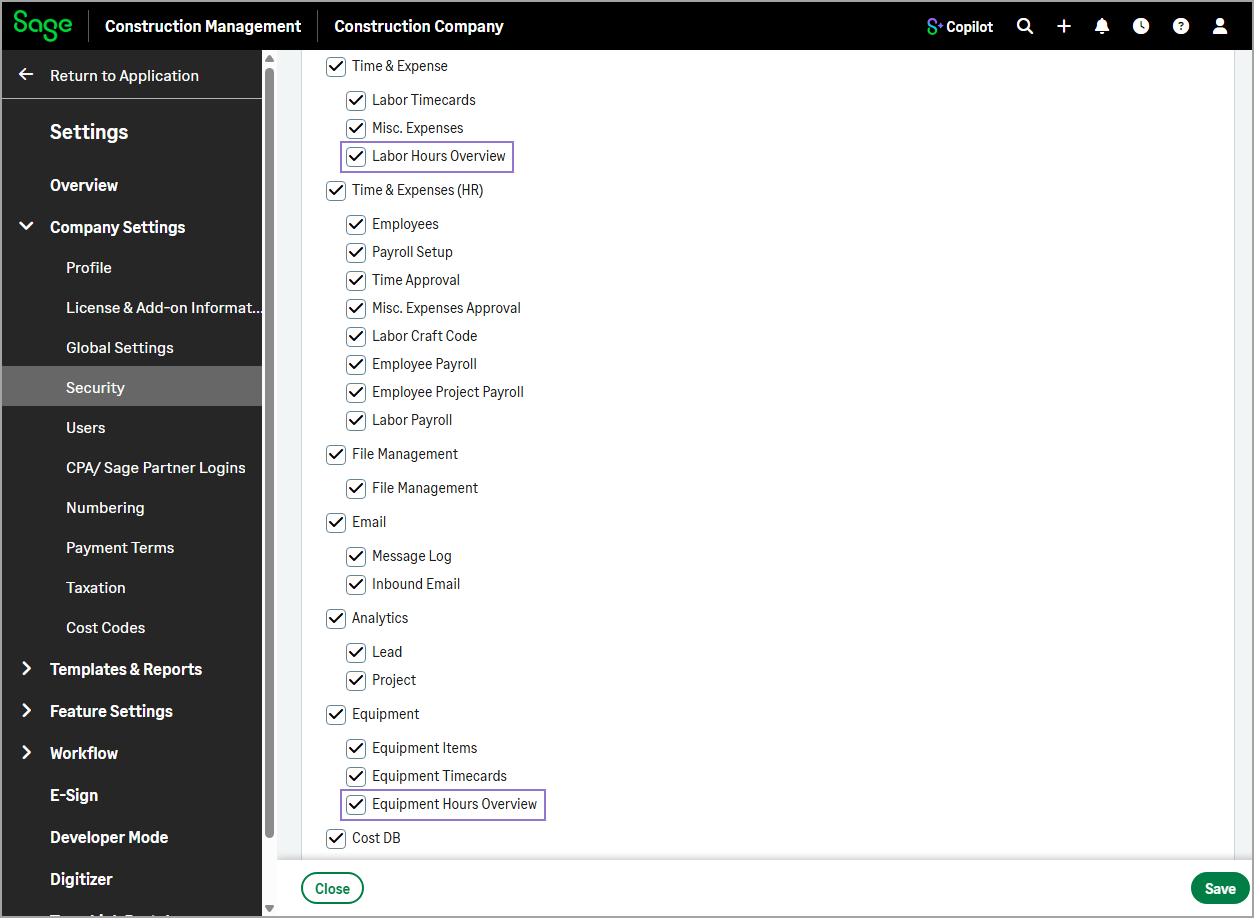
The following permission settings have been added to the role settings in Settings ( ) > Company Settings > Security to give administrators independent control over access to the hours overview pages:
-
Labor Hours Overview
-
Equipment Hours Overview
When these settings are selected for a role the Labor Hours Overview and Equipment Hours Overview are available on the project home page and on the Time & Expenses landing page.
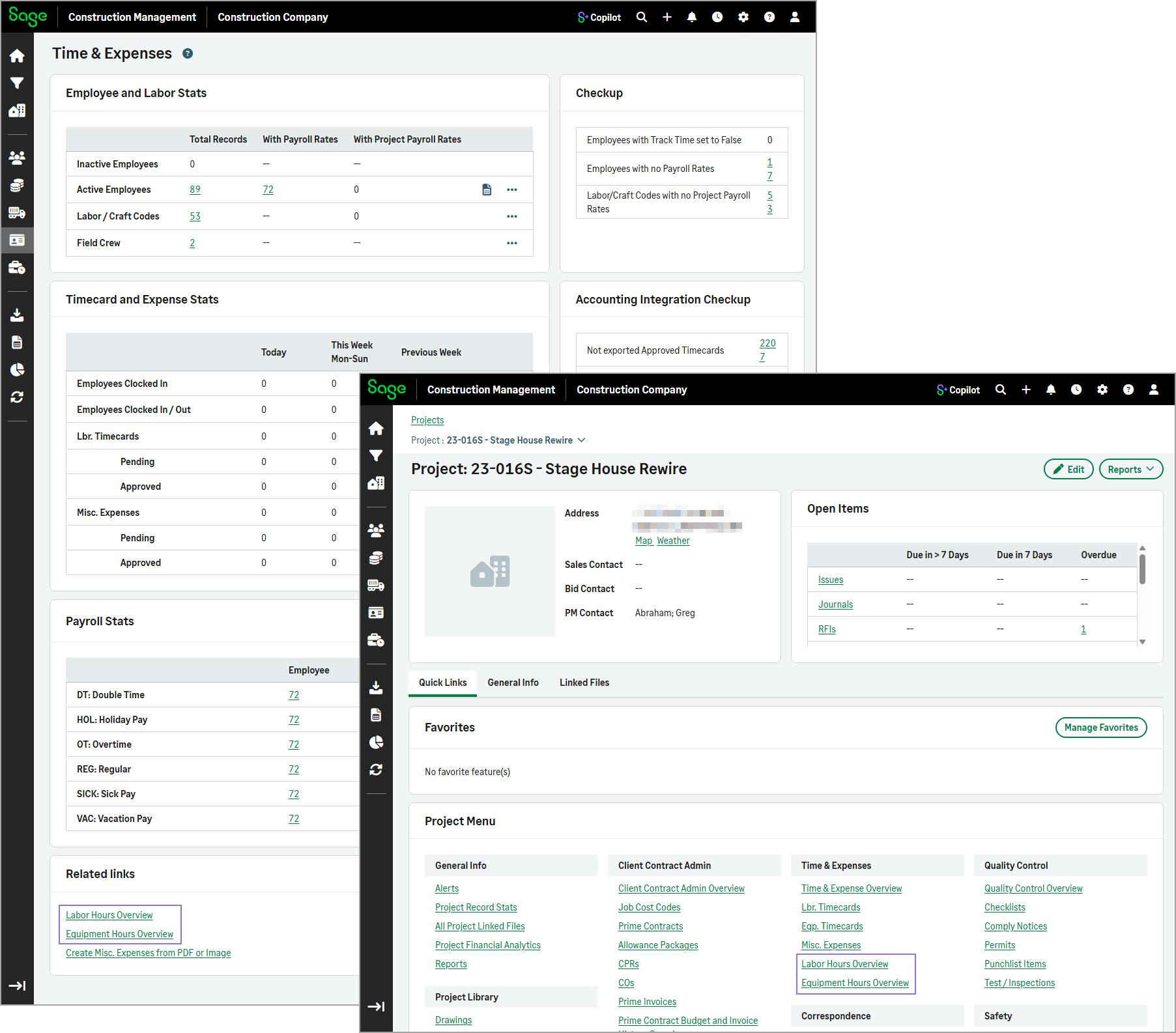
This enhancement provides more granular access control and helps ensure users only have access to the hours overview pages relevant to their role.
By default, Administrators, Estimating / Project Managers, Project Managers, Superintendents, and Financial Administrators continue to have access to both pages, preserving the existing behavior.
How it works
-
Go to Settings (
) > Company Settings > Security. -
In the Sage CM Security Roles section, select the role from the list.
-
To remove or grant access to the hours overview pages, clear or select the Labor Hours Overview or Equipment Hours Overview checkbox.