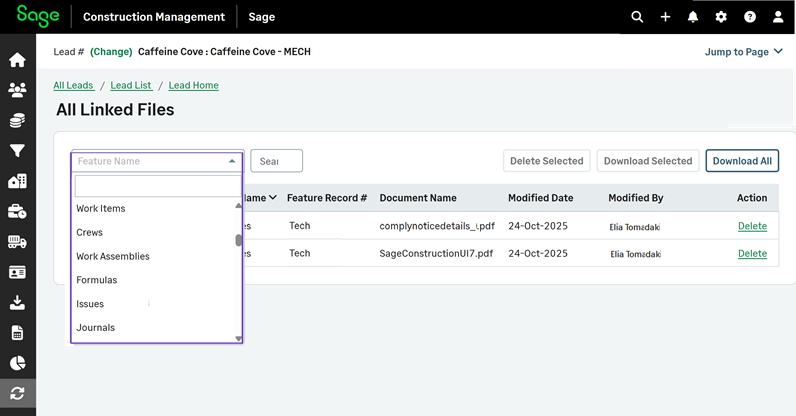
Updated Feature Name dropdown for leads
Related information
 Related topics
On the All Lead Linked Files page, the Feature Name dropdown is now context‑aware for leads. It shows only the feature types that are supported for leads, instead of the full features list.
How it works
- Go to Leads and select the required lead.
- Select All Lead Linked Files in the General Info section.
The Feature Name dropdown displays the features that are related to leads.