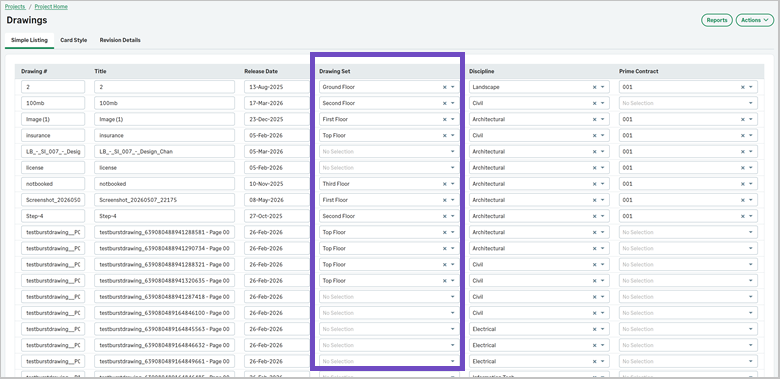
Drawing set included in edit listing
Edit drawing set values directly from the drawings simple listing.
Details
The Simple Listing view in drawings has been enhanced to allow you to edit the Drawing Set directly in the list. Additional fields, such as Discipline and other related columns, can also be updated inline, making it easier to manage drawing information without opening individual records.
How it works
- Open the Drawings page and select Simple Listing.
- Select Edit List to enable editing.
- Select the required values from the Drawing Set dropdown.
- Select Save.