Update the prime contract number for multiple drawings
Related information
 Related topics
A new bulk action for drawings allows you to update the prime contract number for multiple drawings in a single action.
How it works
-
Open the project or lead and select Drawings in the Project Library section.
-
On the Simple Listing tab, select the drawings from the list and select Choose Bulk Action.
-
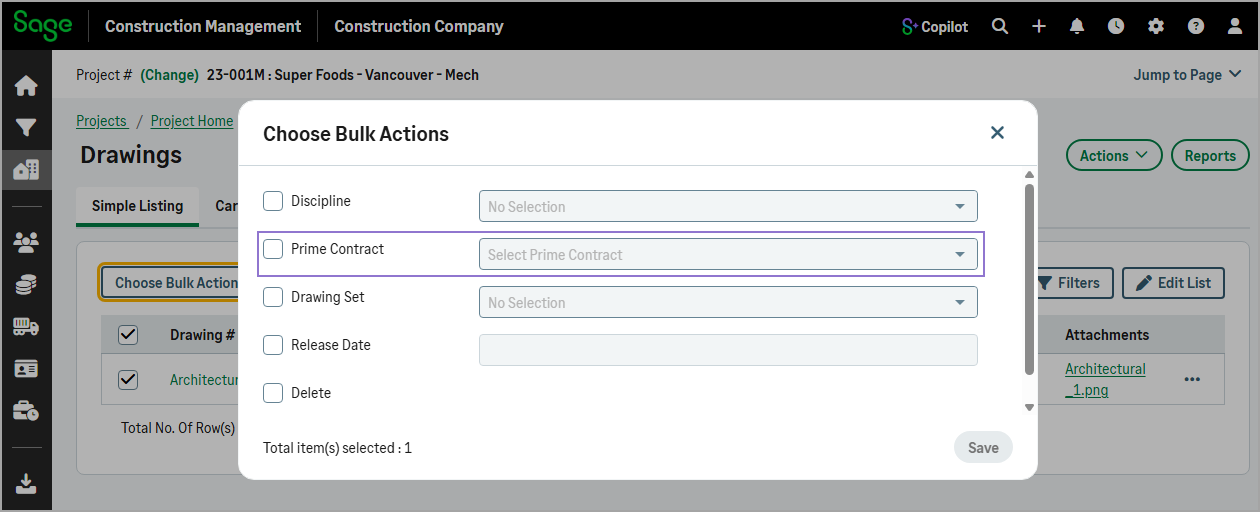
To update the prime contract, select the Prime Contract checkbox and select the prime contract number from the dropdown.
-
Select Save.