Switch between document viewers
You can now switch between the new and legacy document viewers from a document or drawing.
Details
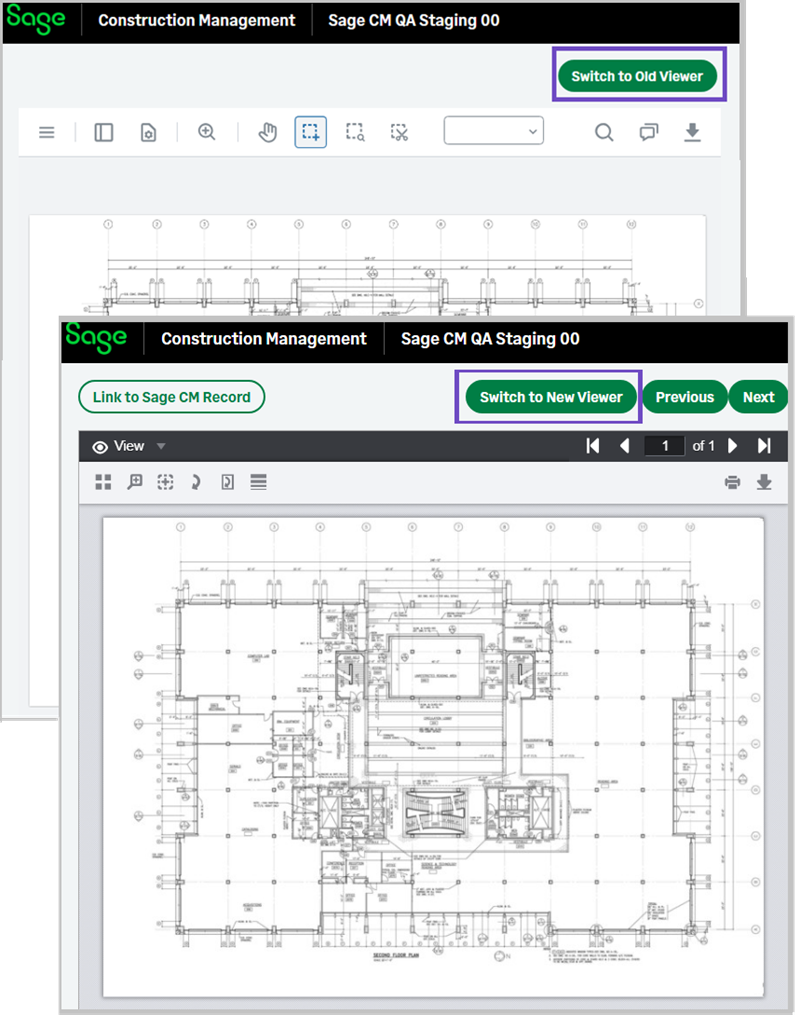
You can click a link in the document viewer and switch between the new and legacy viewers when viewing a document or drawing. The link is located on the top right.
How it works
- Open a document using the new or legacy document viewer.
- Select Switch to Old Viewer or Switch to New Viewer on the top right.