Switch between the old and new document viewer in TeamLink
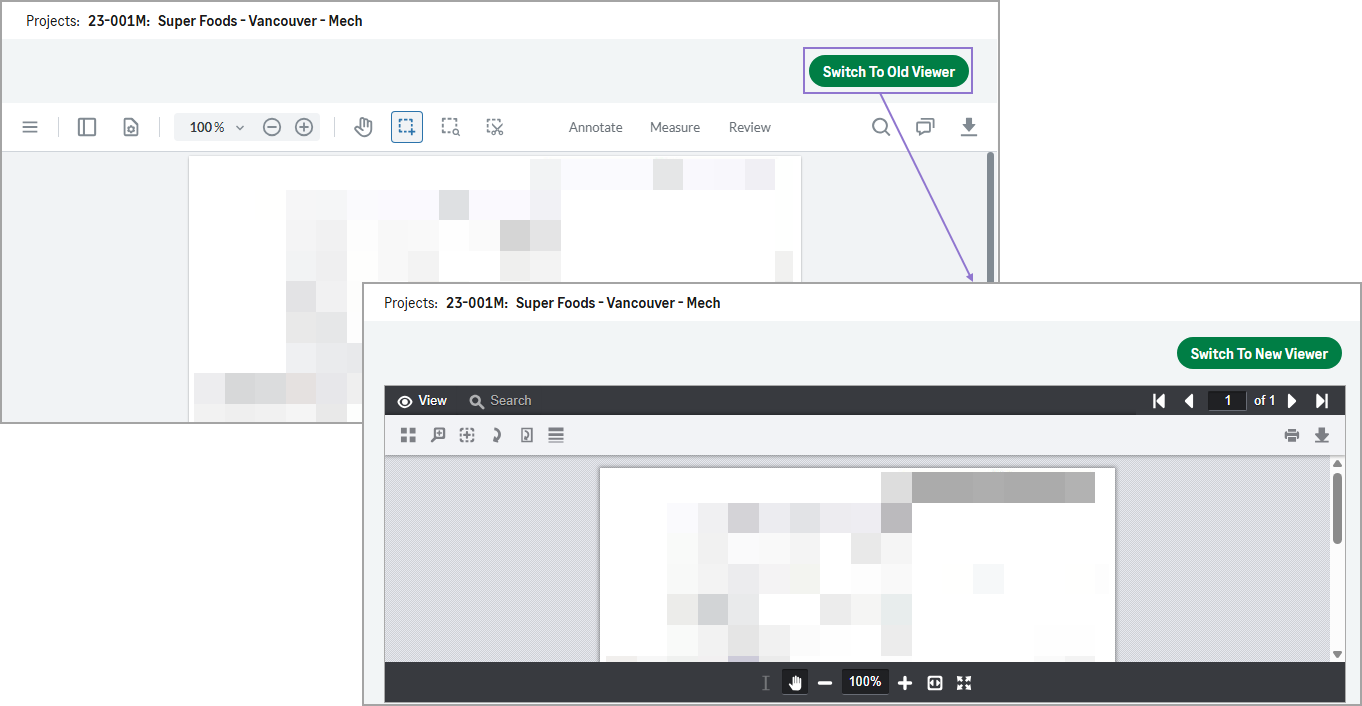
When viewing a document or drawing in TeamLink, you can now easily switch between the old and new document viewer.
How it works
Use the Switch To Old Viewer or Switch To New Viewer option at the top of the page to open the current document or drawing in the other viewer in a new tab.