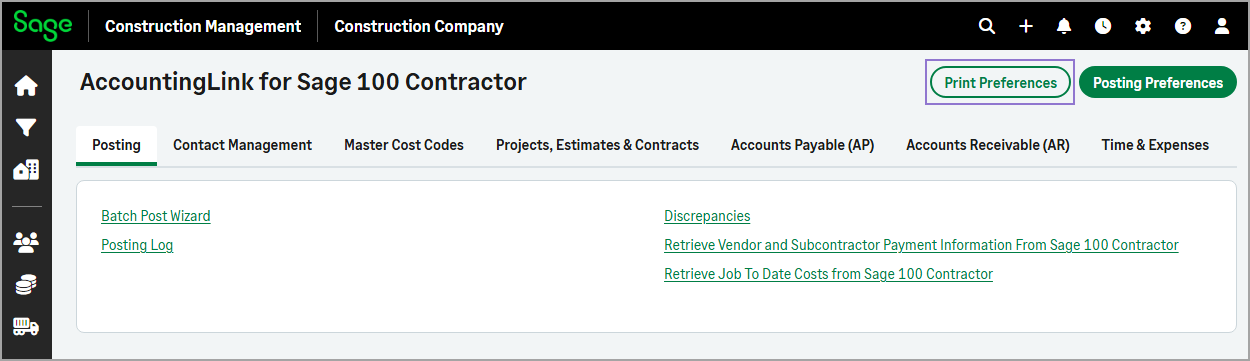
Print Preferences option moved
Related information
 Related topics
The Print Preferences option has been moved from the Batch Post Wizard to the top of the Home page, making it easier to access when needed.
How it works
- Go to Accounting Link.
-
Select Print Preferences at the top of the page.
The posting preferences are downloaded in your local drive in DOCX format.