Print preferences moved to AccountingLink settings
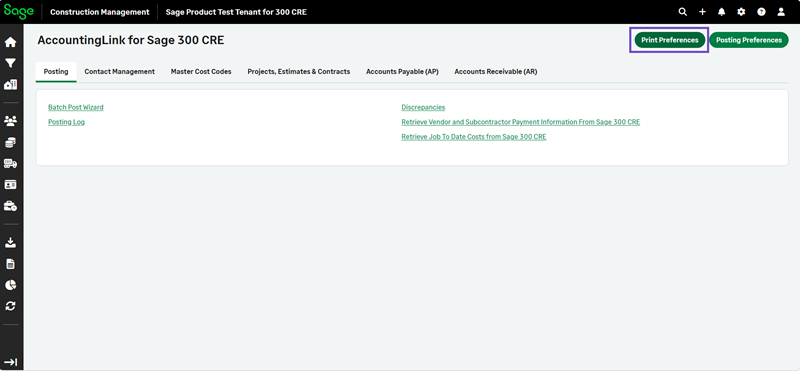
You can now access print settings more easily and manage them without starting the posting process. The Print Preferences option is available directly in the AccountingLink settings.
Details
The Print Preferences button has been moved from the Batch Post Wizard to the top right of the AccountingLink.
Print settings can now be reviewed and updated before starting a posting workflow.
How it works
-
Go to Accounting Link.
-
Select Print Preferences.
You can review the print preferences in a .docx file.