Improved organization in the General Preferences tab
The General Preferences tab in the Posting Preferences has been reorganized to make settings easier to find and manage.
Details
Related settings are now grouped together, section titles have been clarified, and certain options have been moved to more appropriate areas of the application. More specifically:
-
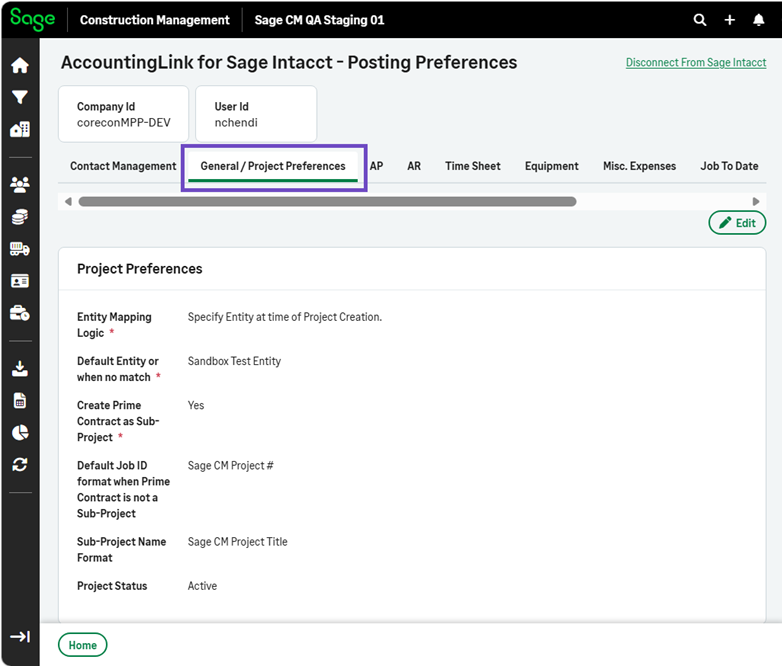
The General Preferences tab has been renamed to General / Project Preferences.
-
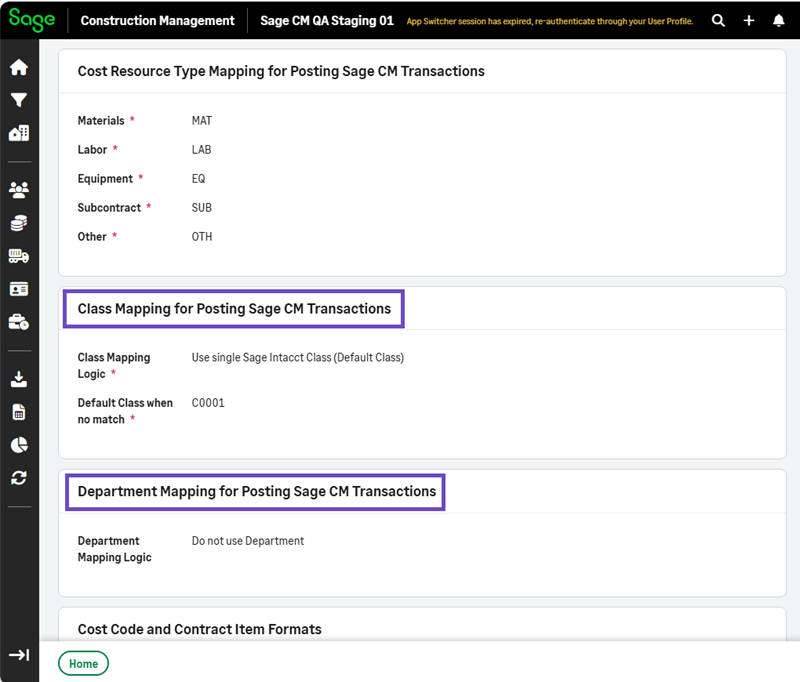
The Class Mapping section in the General / Project Preferences tab has been renamed to Class Mapping for Posting Sage CM Transactions.
-
The Department Mapping section in the General / Project Preferences tab has been renamed to Department Mapping for Posting Sage CM Transactions.
-
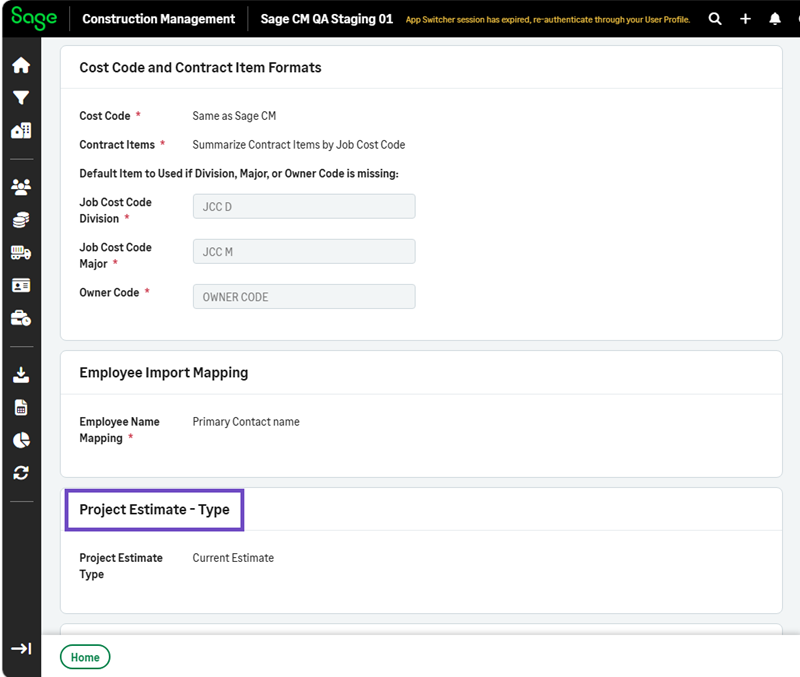
The Project Estimate Mapping section has been renamed Project Estimate - Type and moved above the Project Estimate - Integrate with GL section.
How it works
-
Select AccountingLink > Posting Preferences > General / Project Preferences.