Other user interface changes
Related information
 Related topics
Multiple user interface improvements have been introduced across Sage Construction Management to provide clearer labels, more consistent terminology, and an improved user experience.
Details
Contact Management module
-
Contacts tab
-
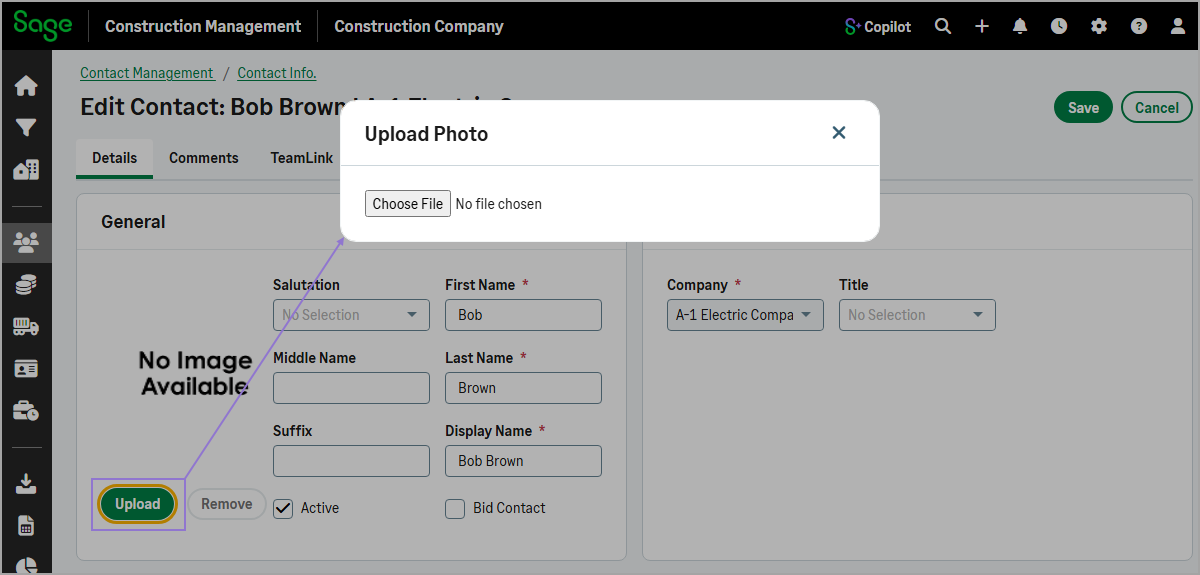
You can now add or remove a contact photo in the Edit Contact form.
-
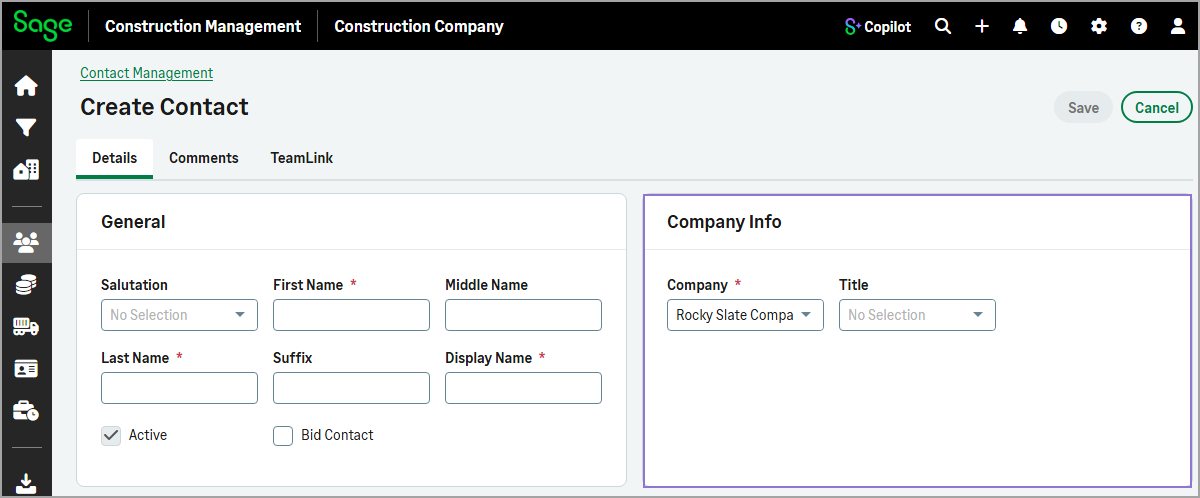
The Company and Title fields are now grouped in a new Company Info section in the Create Contact and Edit Contact forms.
-
-
Employees tab
-
On the Employee page, the Employee Contact Info and Company Information sections have been combined into a single Employee Company Information section.
-
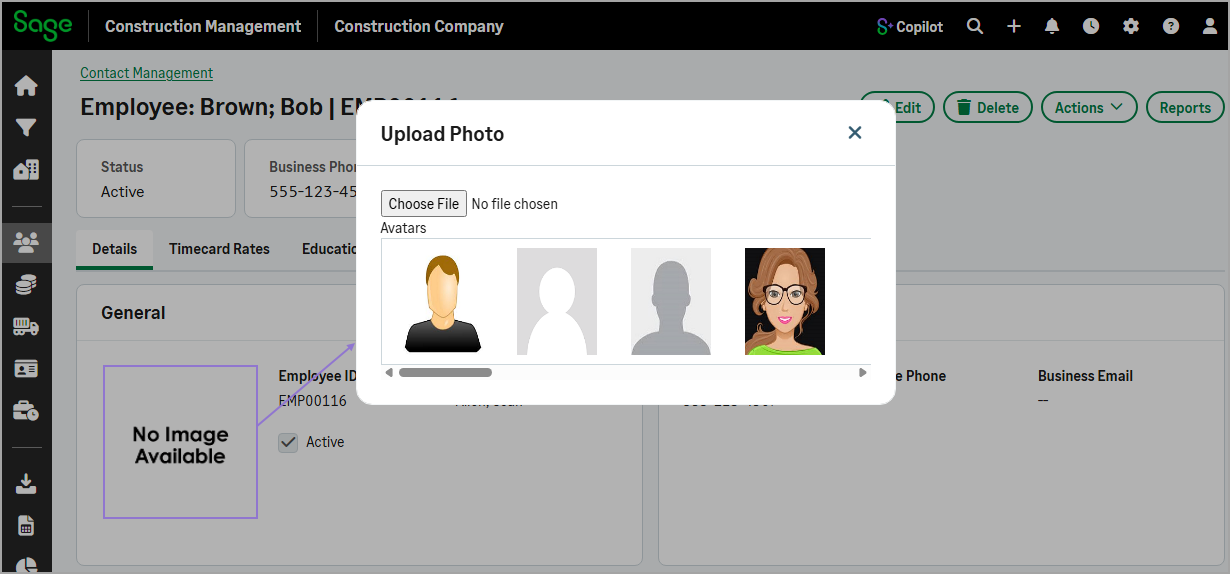
You can now add a photo for an employee from the Employee page or the Edit Employee form. On the Employee page, you can also select an avatar instead of uploading a photo. On the Details tab of the Employee page, select the photo placeholder, then upload a photo or select an avatar in the dialog.
-
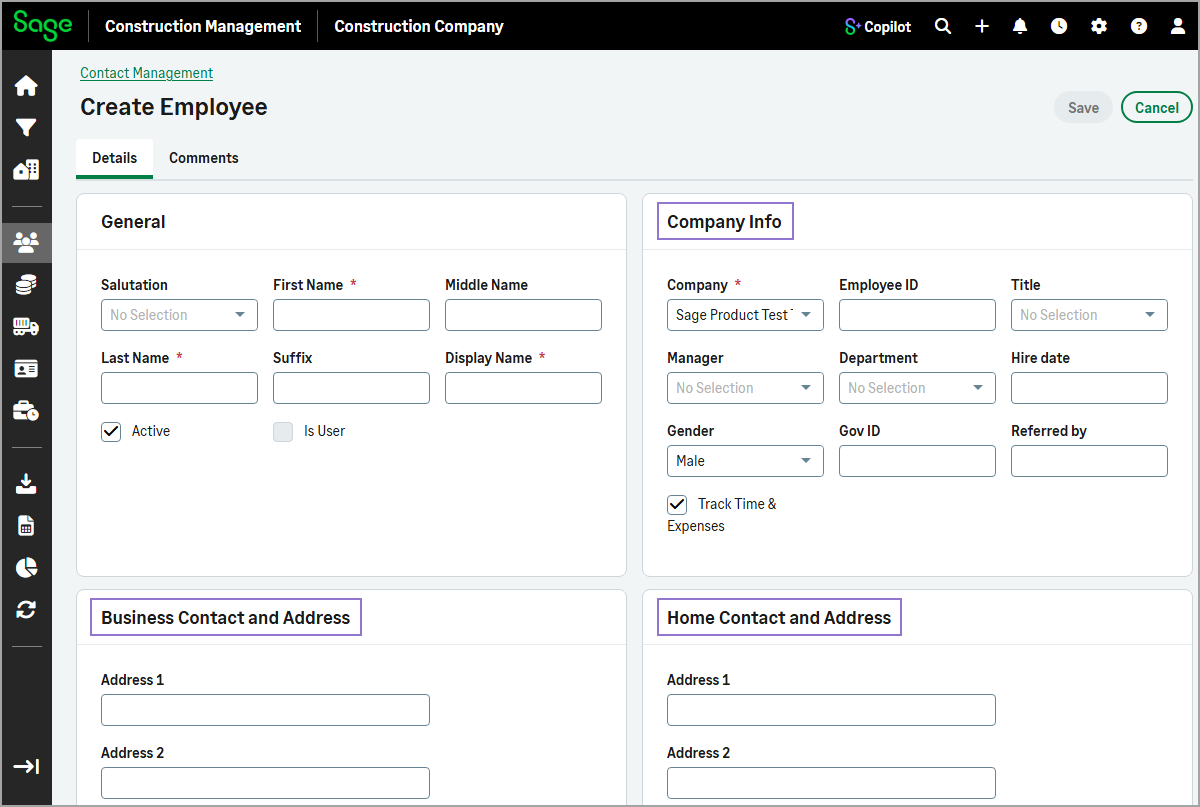
The following section names have been updated in both the Create Employee and Edit Employee forms:
-
Organization Info is now Company Info
-
Business Contact Info is now Business Contact and Address
-
Home Contact Info is now Home Contact and Address
-
-
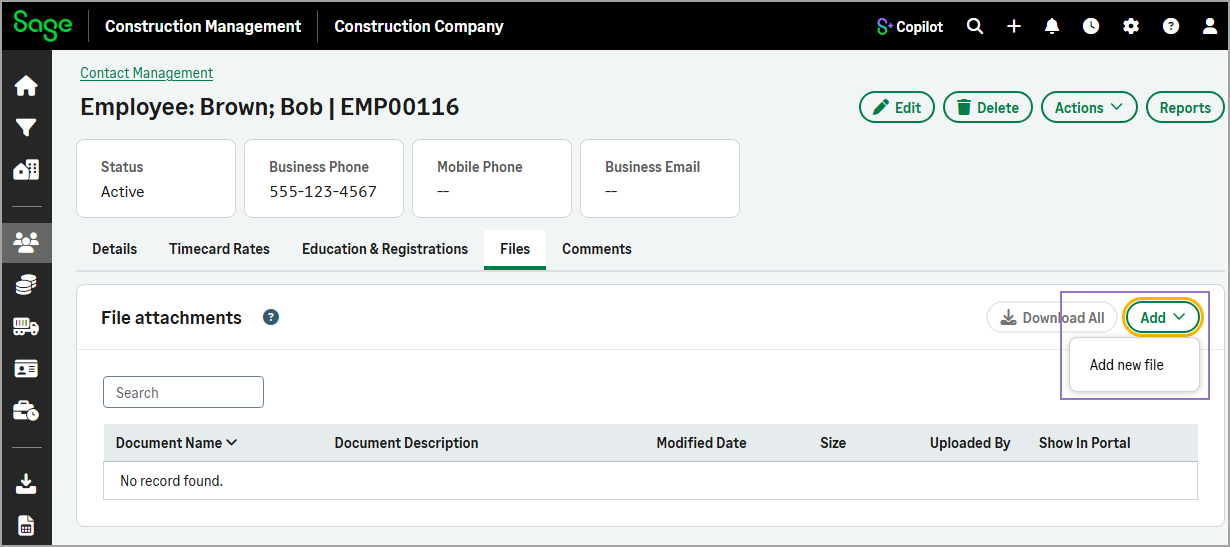
On the Files tab, the Add menu now includes only the Add new file option. The Drawings & Specs, Photos, and All Other Records options have been removed because they apply only to leads and projects.
-
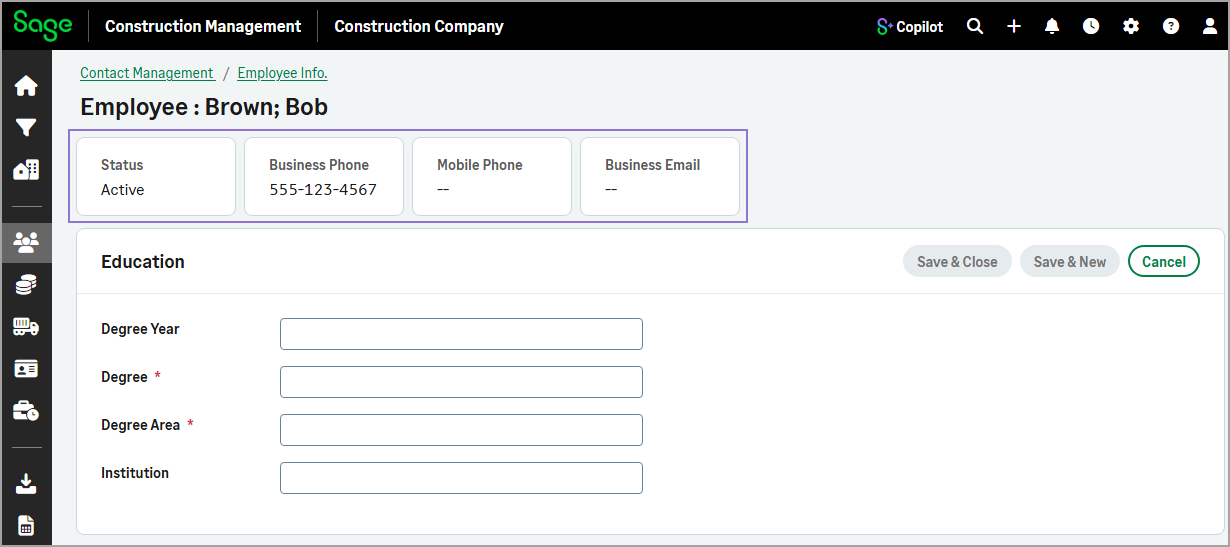
When adding payroll rates, education records, or registrations, employee information is displayed in summary cards at the top of the page, including status, business phone, mobile phone, and email address.
-
Cost Database module
-
Formulas tab
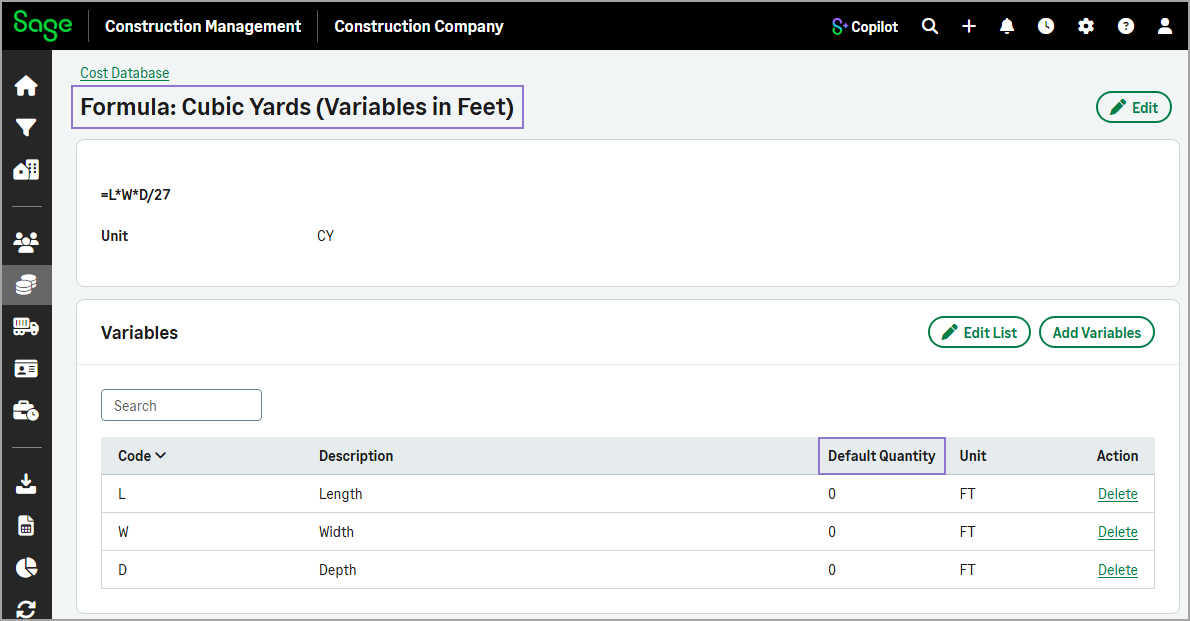
The Formula Details page has been renamed to Formula: [Formula Name], making it easier to identify the open formula. Additionally, the Quantity column in the Variables section has been renamed to Default Quantity for improved clarity.