Reactivate suppressed or unsubscribed email addresses
Related information
 Related topics
You can now reactivate email addresses that were previously added to the suppression or unsubscribed lists directly from the Email module in Sage Construction Management. This allows you to restore email delivery for addresses that are ready to receive communications again, without leaving Sage Construction Management.
Key benefits
-
Restore email delivery without navigating to an external service.
-
Reduce administrative effort by managing email statuses directly in Sage Construction Management.
-
Quickly resume communications with recipients who want to receive emails again.
How it works
-
Go to Email.
-
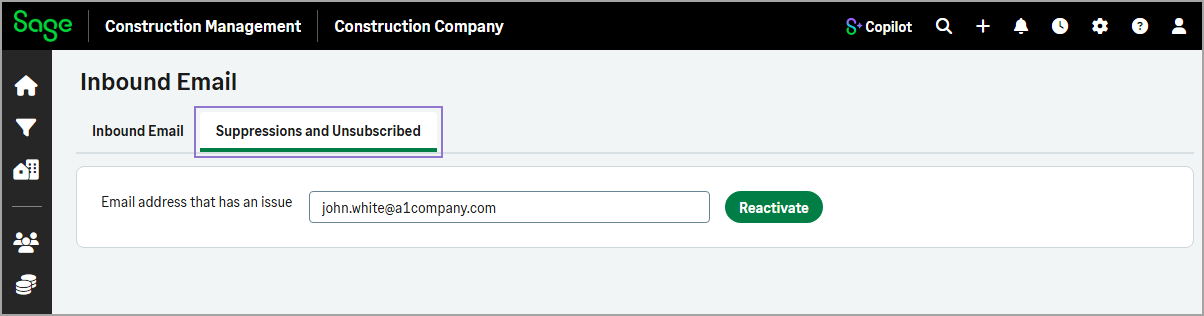
Select the Suppressions and Unsubscribed tab.
-
Enter the email address in the available field.
-
Select Reactivate.
A confirmation message appears when the email address has been successfully reactivated.