Work Item page redesigned
Related information
 Related topics
The Work Item page has been redesigned to provide a more organized and efficient user experience.
Details
Previously, all work item information was displayed on a single page. With this update, the Work Item page has been redesigned with a tabbed layout that organizes information into the following sections:
-
Details
Displays general work item information, classifications, and record details.
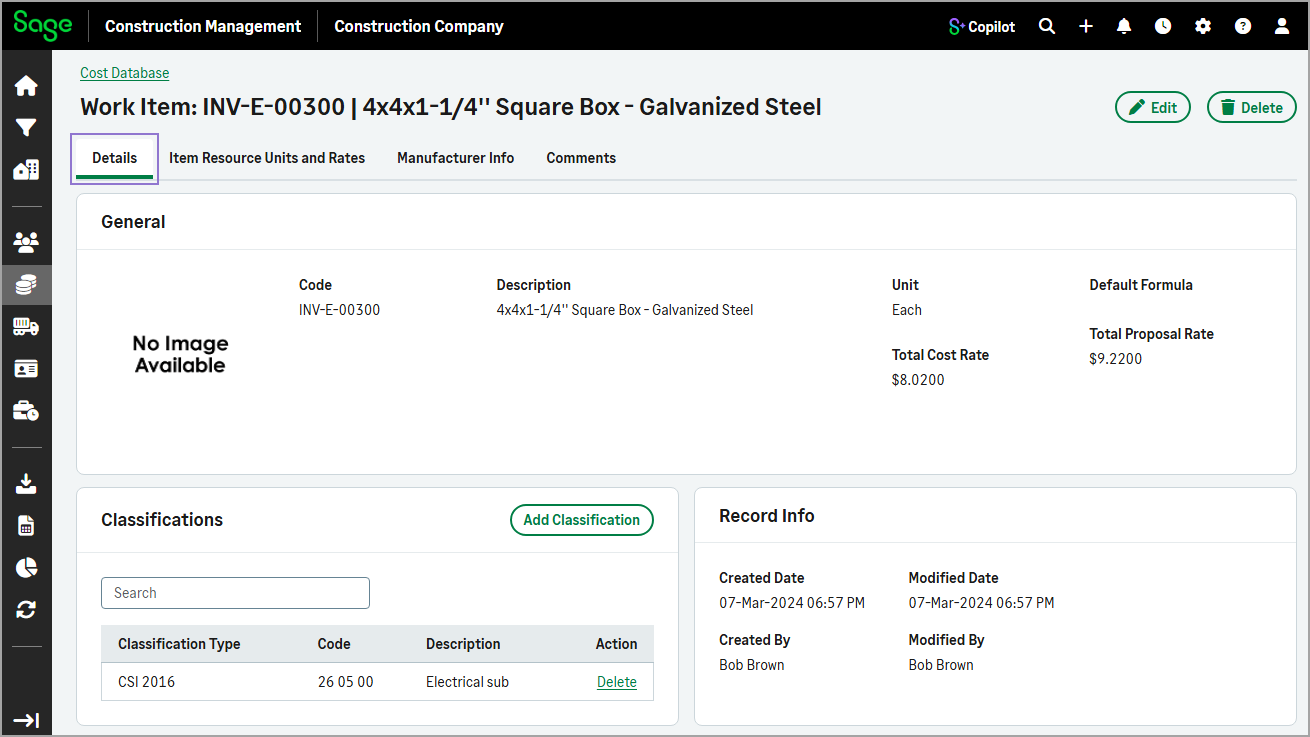
-
Item Resource Units and Rates
Displays resource units and their associated rates.
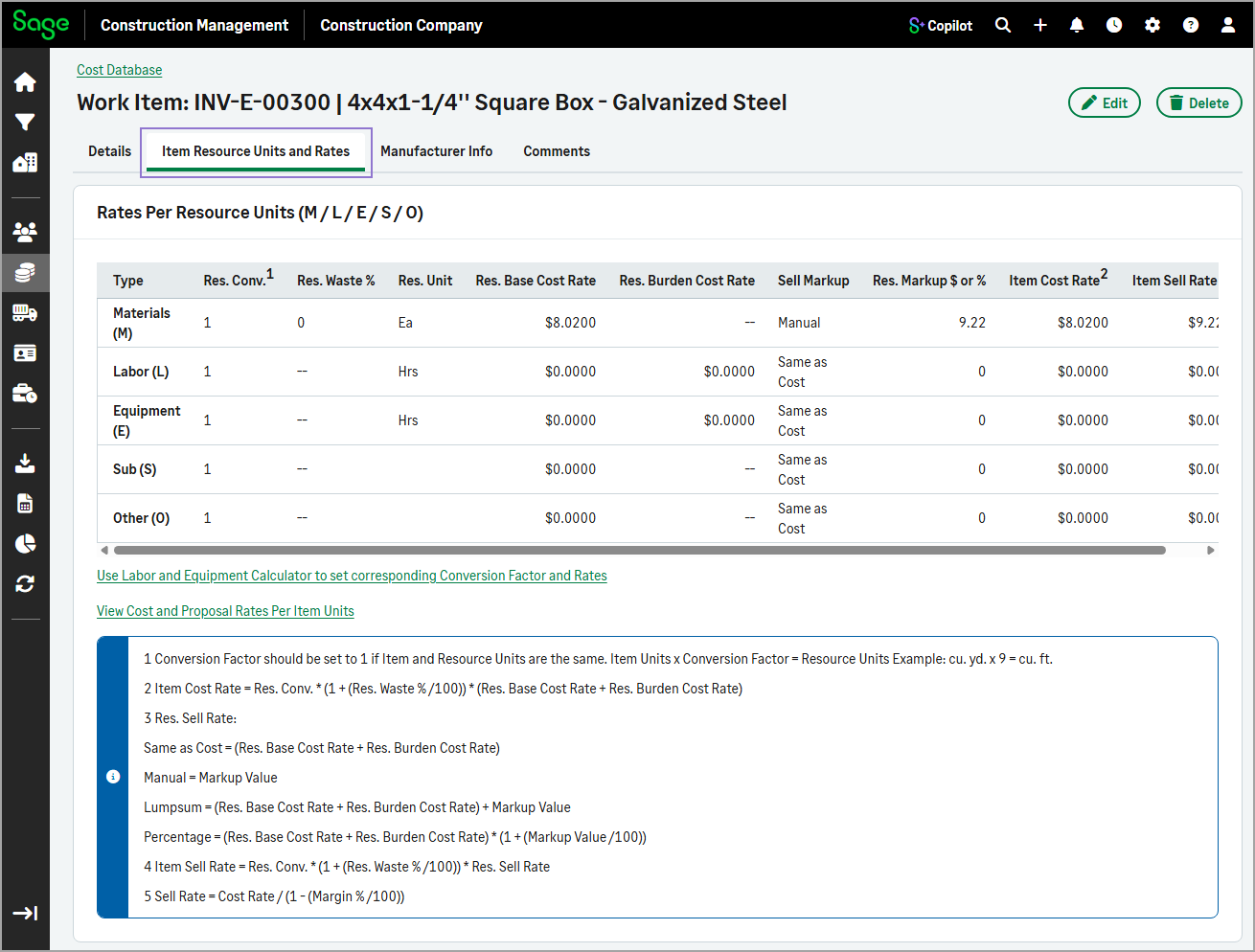
-
Manufacturer Info
Displays manufacturer-related information for the work item.
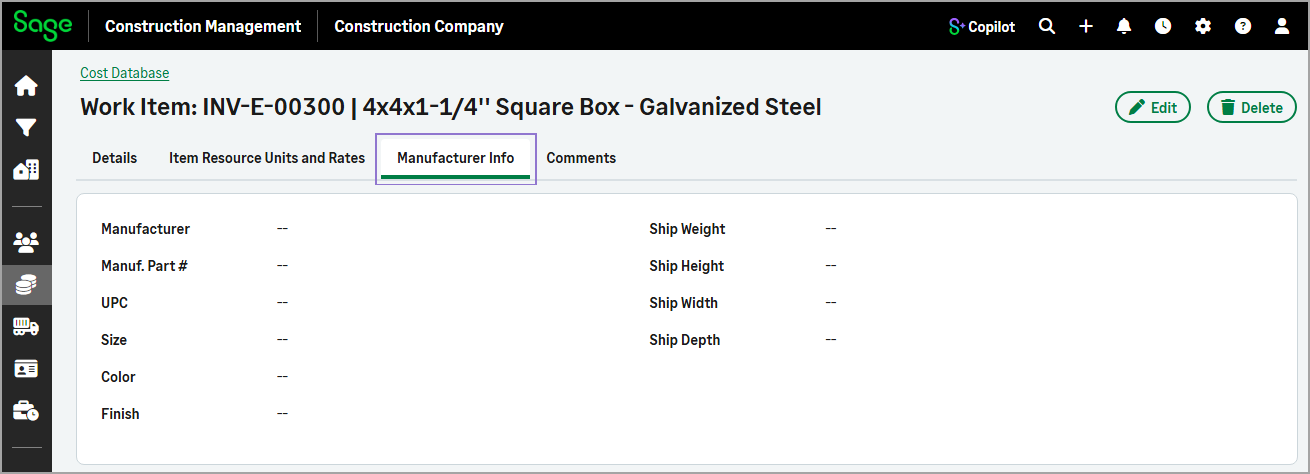
-
Comments
Displays RFP package, proposal, and internal comments.
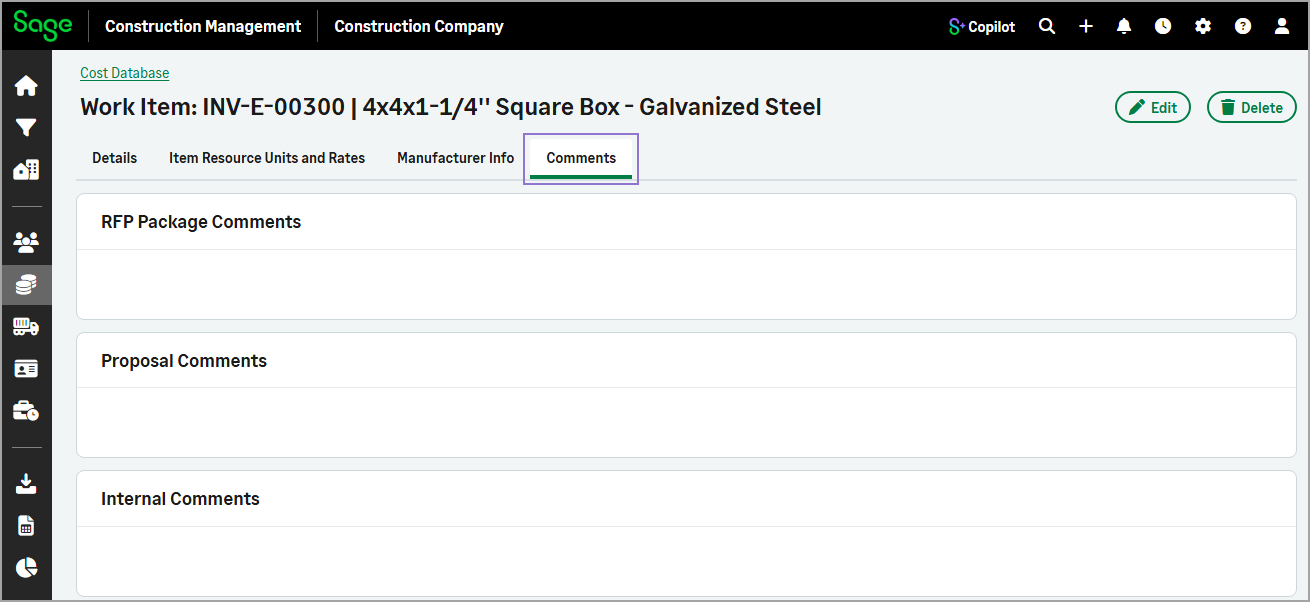
The Delete action is now available at the top of the page, allowing you to remove a work item directly from the current record.
The Add Work Item and Edit Work Item forms have also been updated with the same tabbed layout, providing a consistent experience for creating, viewing, and updating work item information.
These enhancements improve navigation and make related information easier to find and manage.
How it works
- Go to Cost Database.
- Select the Work Items tab.
- Optionally, use the Search field to filter the list.
- Select the work item code from the list.
-
Use the tabs to quickly access related work item details.
- To update information on the Details, Item Resource Units and Rates, Manufacturer Info, and Comments tabs, select Edit.
-
To add a classification, select Add Classification in the Classifications section on the Details tab.
-
To delete the current work item, select Delete at the top of the page.