Log in to Sage Construction Management with Sage ID and Sage Intacct
Related information
 Related topics
You can now log in to Sage Construction Management using your Sage ID or Sage Intacct credentials, giving you a more seamless experience across Sage products.
Key benefits
-
Simpler access: You have fewer passwords to manage when you already use Sage Intacct.
-
Consistent security: Use the same trusted login experience across Sage products.
-
Cross-product efficiency: Easier navigation between Sage Construction Management and other Sage solutions.
Details
When logging in to Sage Construction Management, you can use additional login options based on the Sage products in your environment:
-
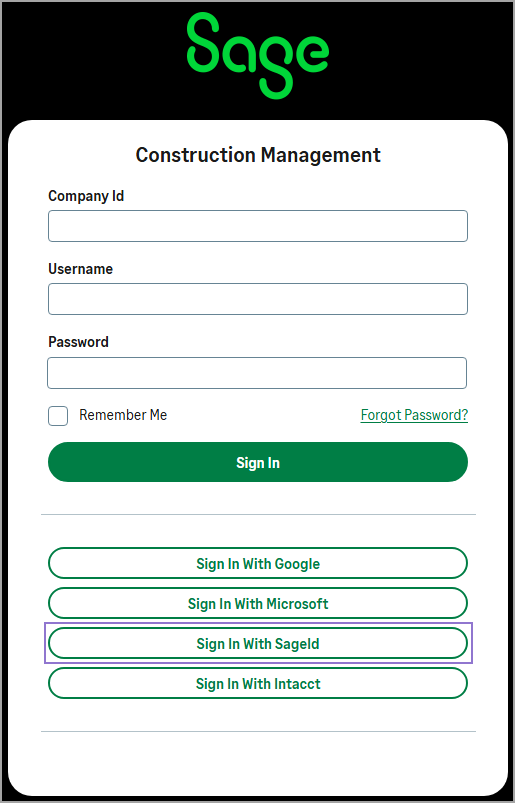
Sage ID: Use the Sage ID login option if you also use Sage 100 Contractor, Sage 300 Construction and Real Estate, or Sage 50 Canada. Sage ID is the standard identity across these products and is designed to support customers working within those ecosystems.
-
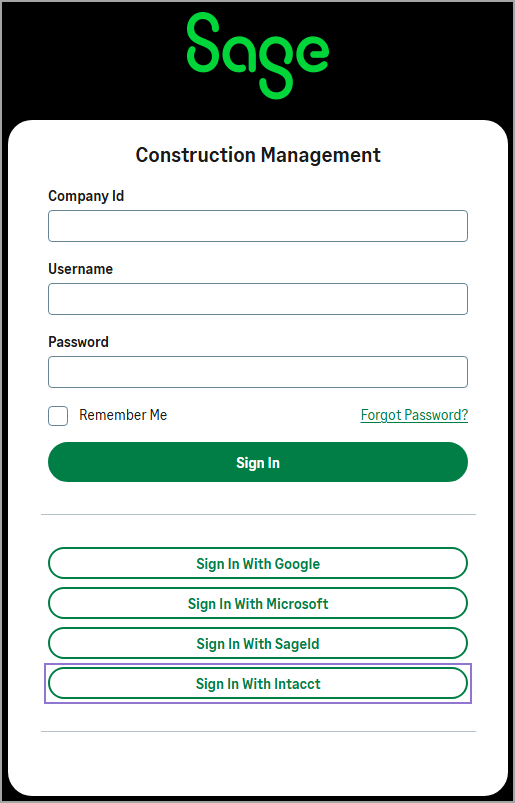
Sage Intacct: Use your Sage Intacct credentials if you’re also using Sage Intacct Construction.
Both login options use Sage’s latest authentication standards, including support for multi-factor authentication (MFA), to help keep your account secure.
No setup or configuration changes are required. The additional login options appear automatically on the login page, and existing users can continue using their current credentials.
How it works
-
Go to the Sage Construction Management login page.
-
Select one of the following options:
-
If you're using Sage 100 Contractor, Sage 300 Construction and Real Estate, or Sage 50 Canada, select Sign In With SageId.
-
If you're using Sage Intacct Construction, select Sign In With Intacct.
-
-
Follow the prompts.