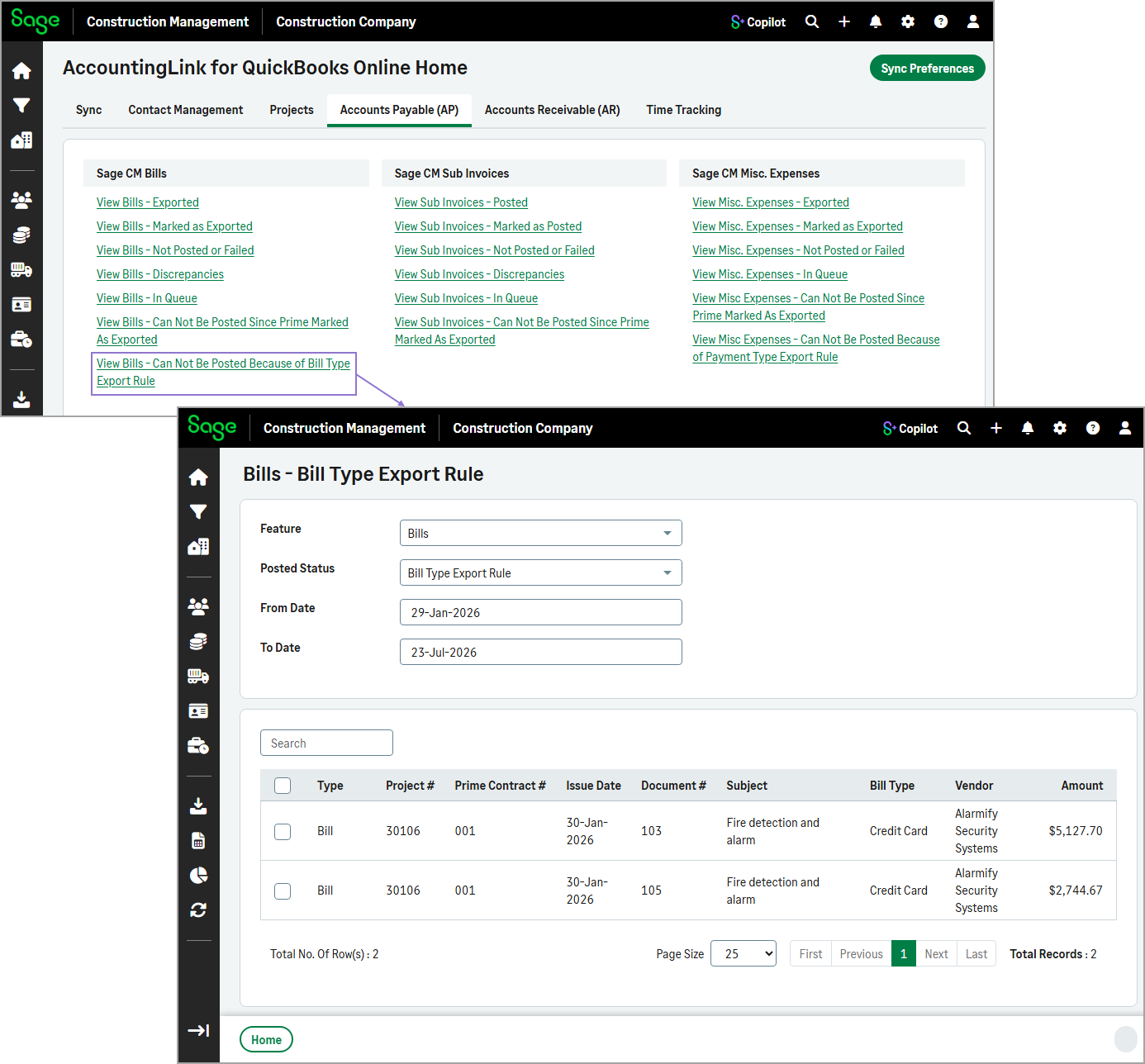
View transactions that cannot be posted to QuickBooks Online
Related information
 Related topics
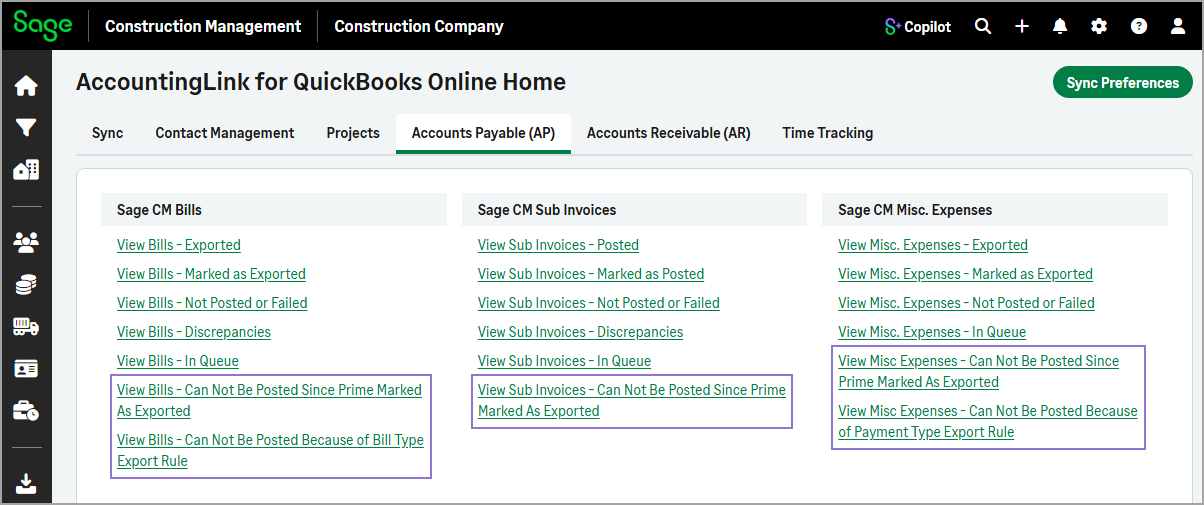
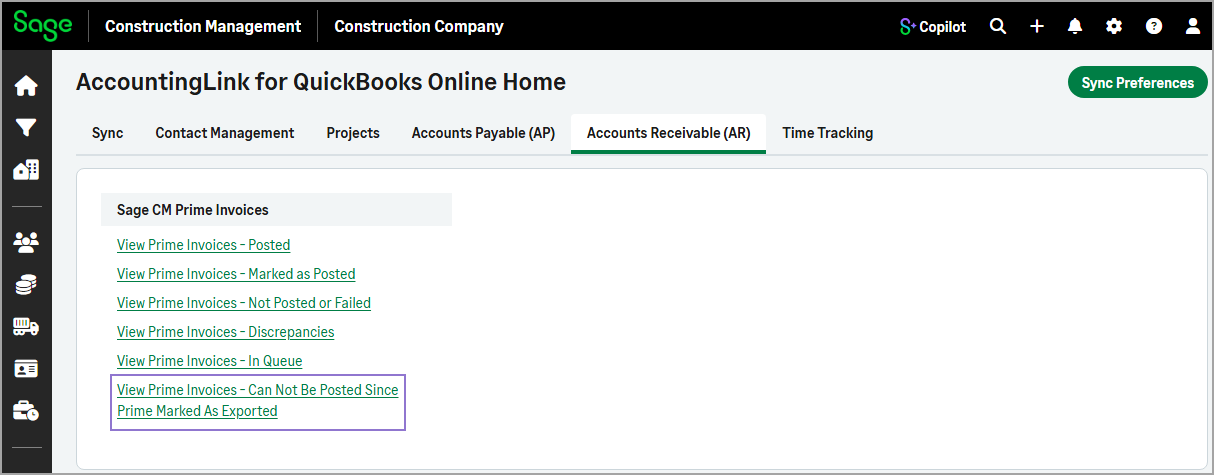
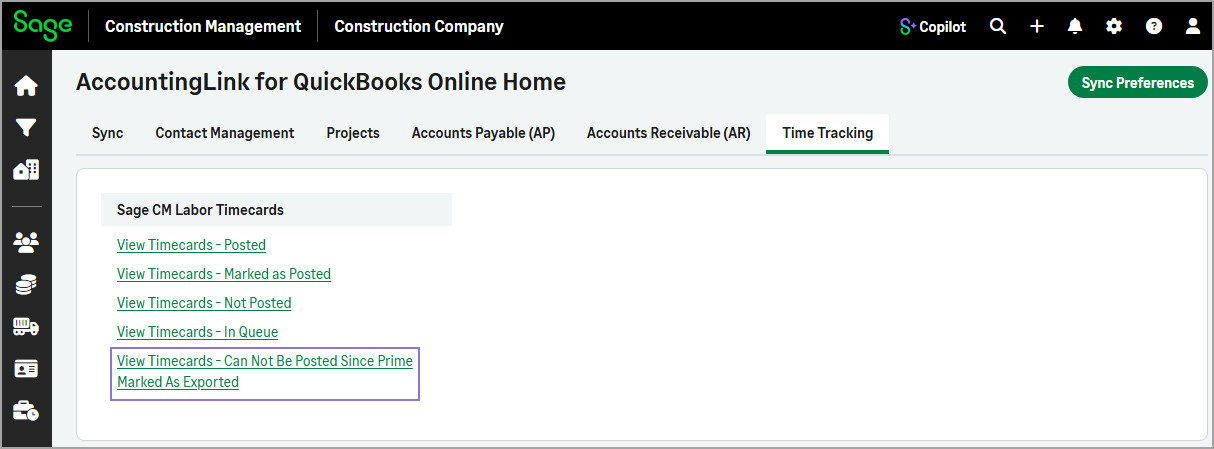
You can now view transactions that couldn't be posted because the associated prime contract is marked as exported. For bills and miscellaneous, you can also view transactions blocked by export rule configuration issues. This helps you troubleshoot and resolve posting issues faster.
Details
The new functions have been added under the following tabs in the AccountingLink for QuickBooks Online:
-
Accounts Payable (AP)
-
Accounts Receivable (AR)
-
Time & Expenses
How it works
-
Go to Accounting Link and select one of the following tabs as needed:
-
Accounts Payable (AP)
-
Accounts Receivable (AR)
-
Time Tracking
-
-
Select the appropriate Can Not Be Posted function.
For example, in the Accounts Payable (AP), select View Bills - Can Not Be Posted Because of Bill Type Export Rule in the Sage CM Bills section.
The table lists all the transactions that cannot be posted.