Contact profile page redesigned
Related information
 Related topics
The Contact profile page has been redesigned to provide a more organized and efficient user experience.
Details
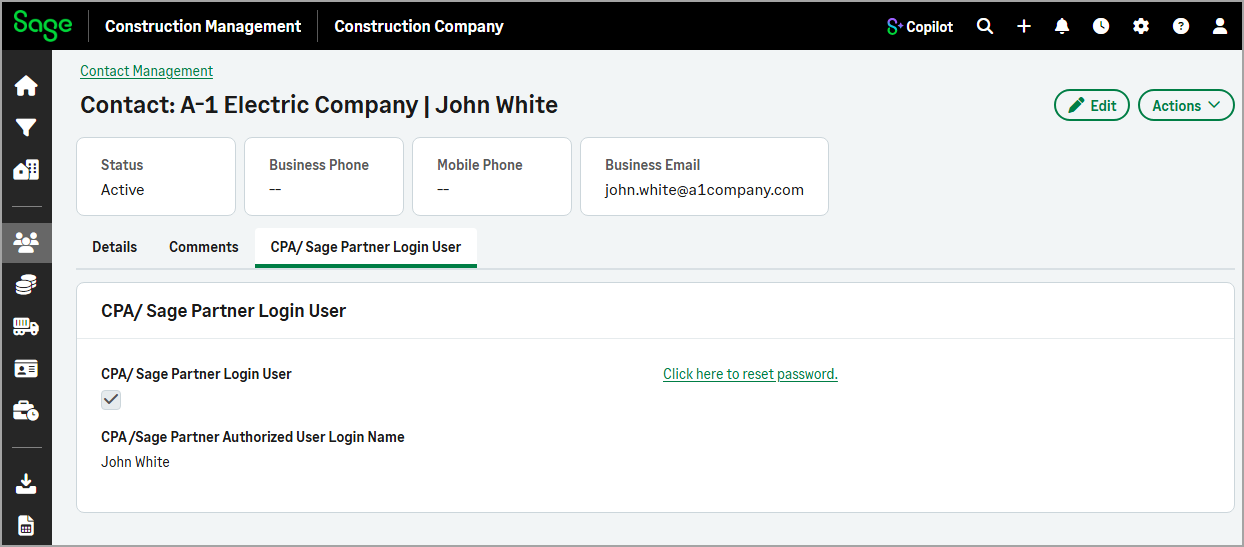
Previously, contact information was displayed on a single page. With this update, the contact profile page features the following summary cards at the top of the page that provide quick access to key information:
-
Status
-
Business Phone
-
Mobile Phone
-
Business Email
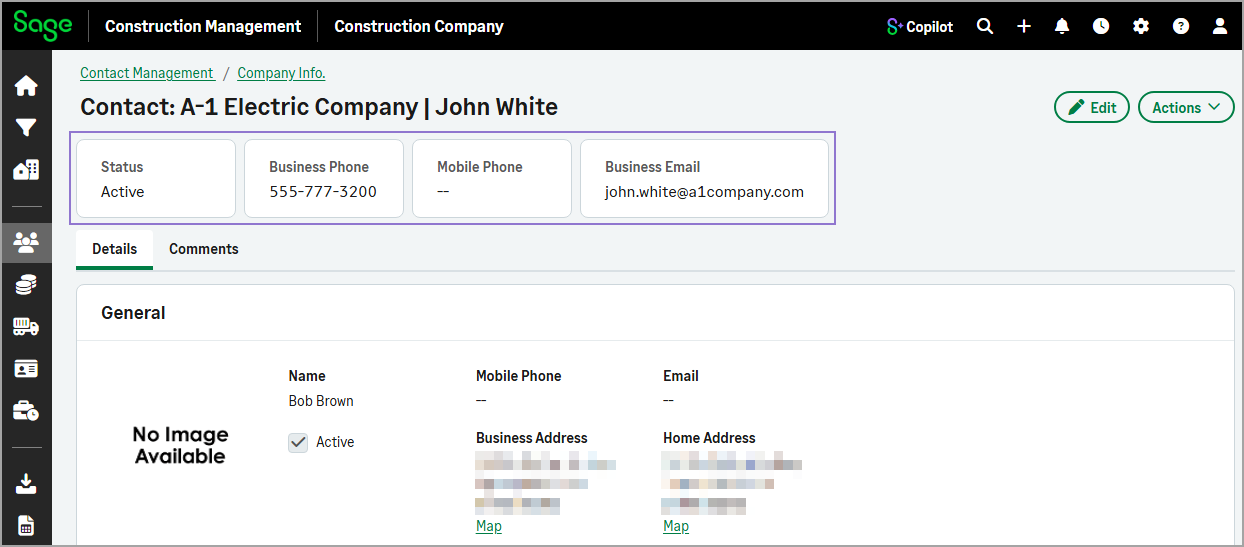
Below the summary cards, related information is organized into dedicated tabs, making it easier to navigate and locate specific details.
The redesigned Contact profile page includes the following tabs:
-
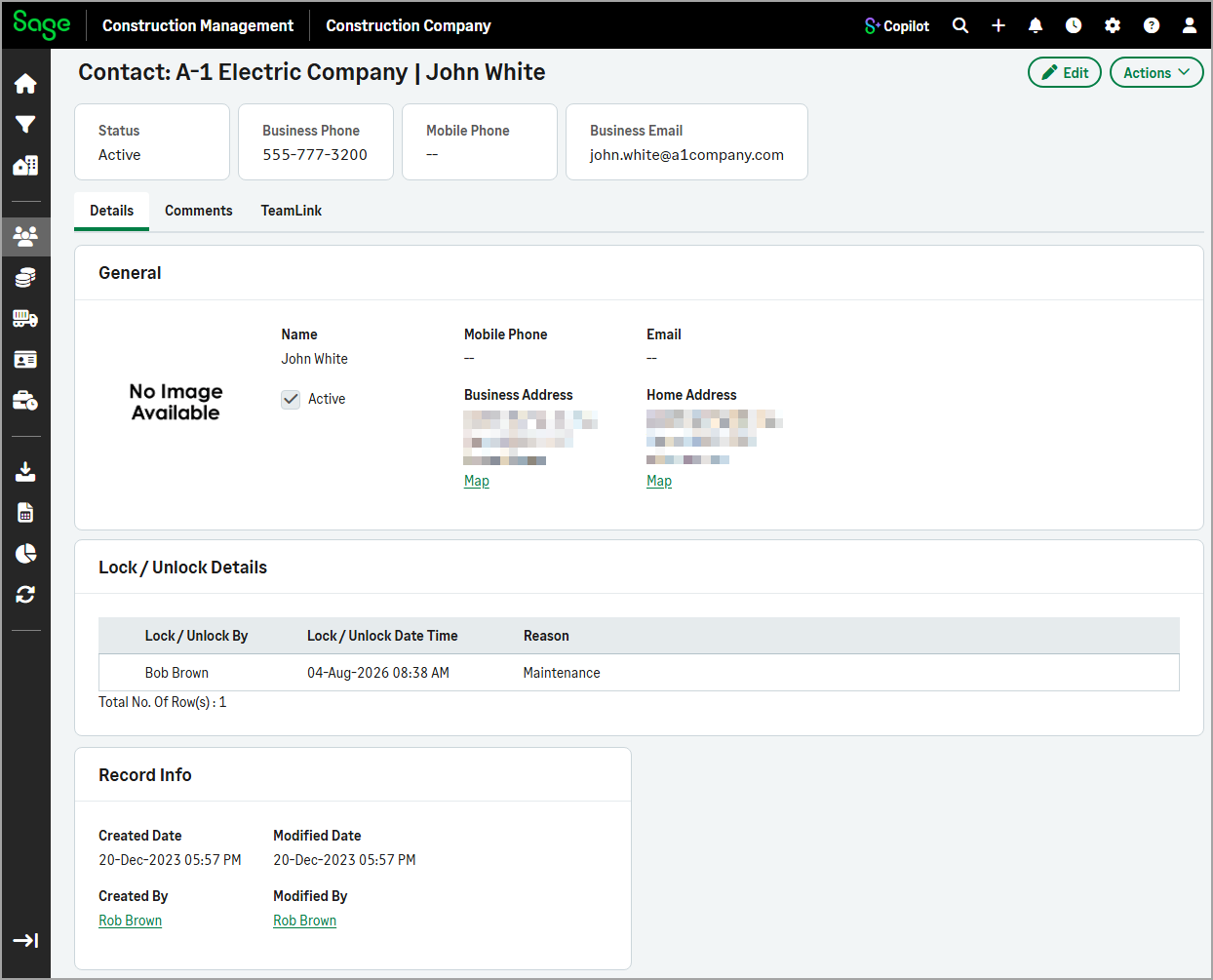
Details
Displays the contact's general information, including the contact info and address.
-
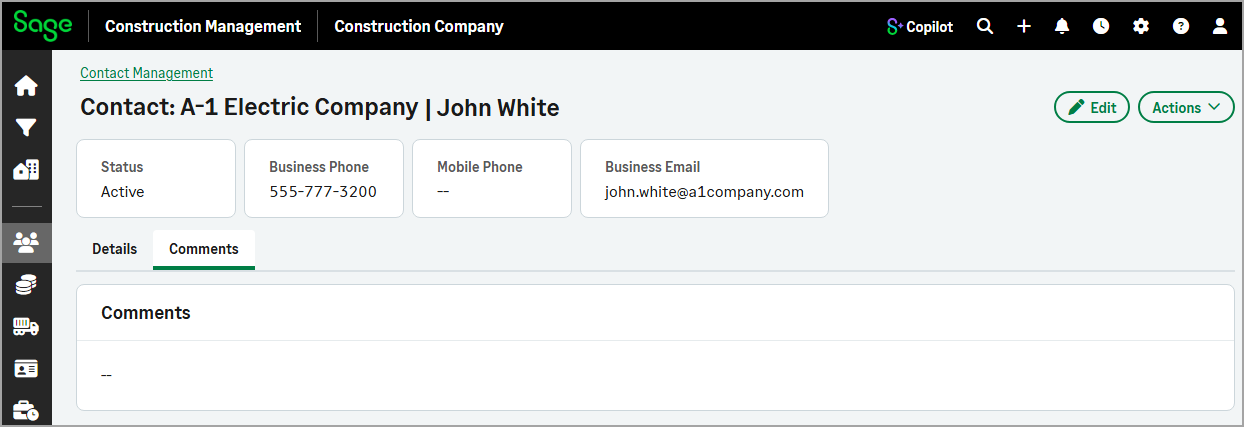
Comments
Displays any additional comments recorded for the contact.
-
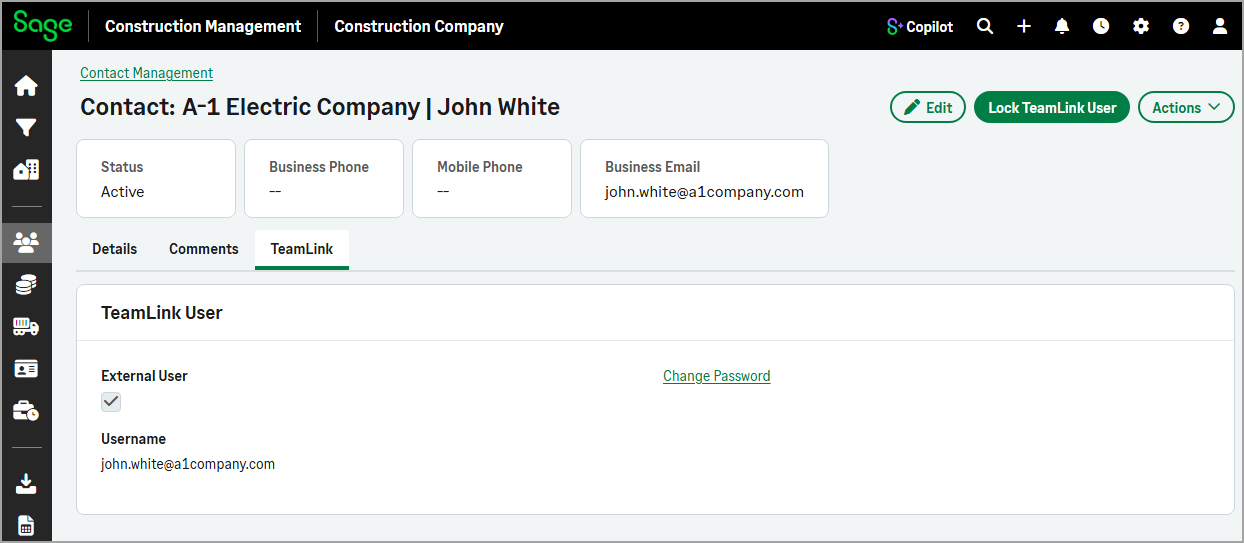
TeamLink
For TeamLink users, displays the user's login information and provides the option to change the password. In addition, any available lock information is also displayed.
-
CPA/Sage Partner Login User
For externally authorized users, displays the user's login information and provides an option to send a password reset email.
The Add Contact and Edit Contact forms have also been updated with a tabbed layout, making it easier to view and manage contact information. The forms include the following tabs:
-
Details
Update the contact's general information.
-
Comments
Add or edit comments for the contact.
-
TeamLink
Enable or disable TeamLink access for the user, edit or add a username, and set or update the password.
These improvements make it easier to find, manage, and update contact-related data while preserving the existing functionality.
How it works
- Go to Contact Management.
- Select the Contacts tab and select a company from the list.
- Use the tabs to view related information.
- To update information on the Details, Comments, or TeamLink tab, select Edit.