Compare drawing versions in the Document Viewer
Related information
 Related topics
You can now compare different versions of a drawing directly in the Document Viewer and identify easily revisions and changes between drawing files.
Details
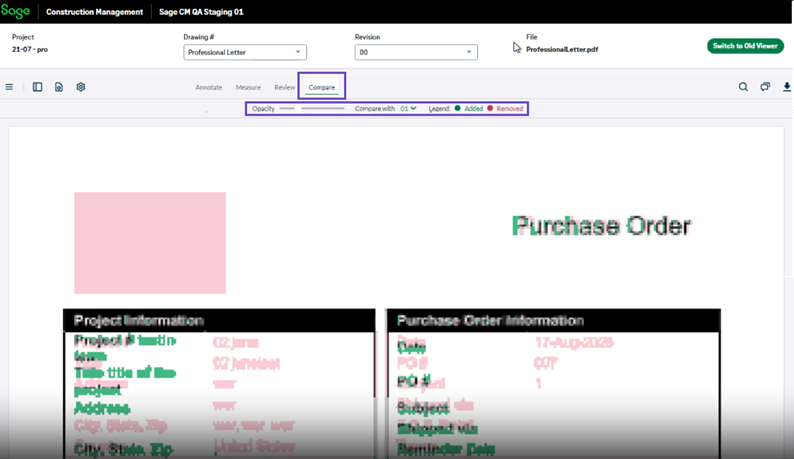
The document viewer now includes drawing comparison capabilities. When comparing drawing versions, the viewer displays an overlay of the selected revisions so you can visually identify differences between versions.
The comparison experience has also been updated to provide clearer control over version visibility. An opacity slider lets you adjust the visibility of the overlay version, helping you focus on specific changes between drawing revisions.
Compare mode is intended for review purposes only. Editing activities such as creating bookmarks, annotations, measurements, or reviews are not available while viewing a comparison.
How it works
- Open a drawing revision in the Document Viewer.
- Select Compare.
- View the compared versions in the comparison viewer.
- Use the opacity control to adjust the visibility of the overlay version and highlight differences between revisions.
You can exit the Compare mode to return to the original drawing.