Export annotations from the old Document Viewer to the new Document Viewer
Related information
 Related topics
You can now export your annotations from the old Documentation Viewer to the new Documentation Viewer so your markup history remains available.
Details
If you previously created annotations in the old Document Viewer, you can export them and make them available in the new Document Viewer to preserve annotation history while moving to the new viewer.
How it works
-
Open a drawing or document that contains annotations in the old Documentation Viewer.
-
Select Annotate.
-
Select Export Annotations.
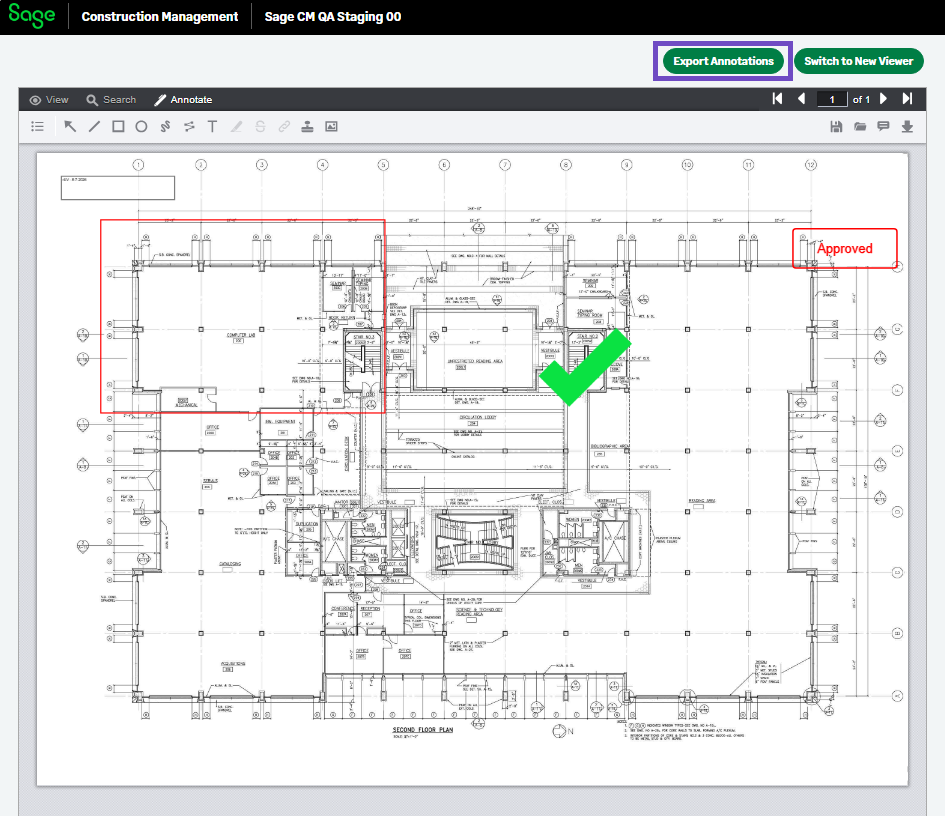
Existing annotations are exported and made available in the new Documentation Viewer.The Export Annotations option is no longer available in the old Document Viewer. To continue working with exported annotations, use the new Document Viewer. We recommend switching to the new Document Viewer for all future document review and annotation activities.