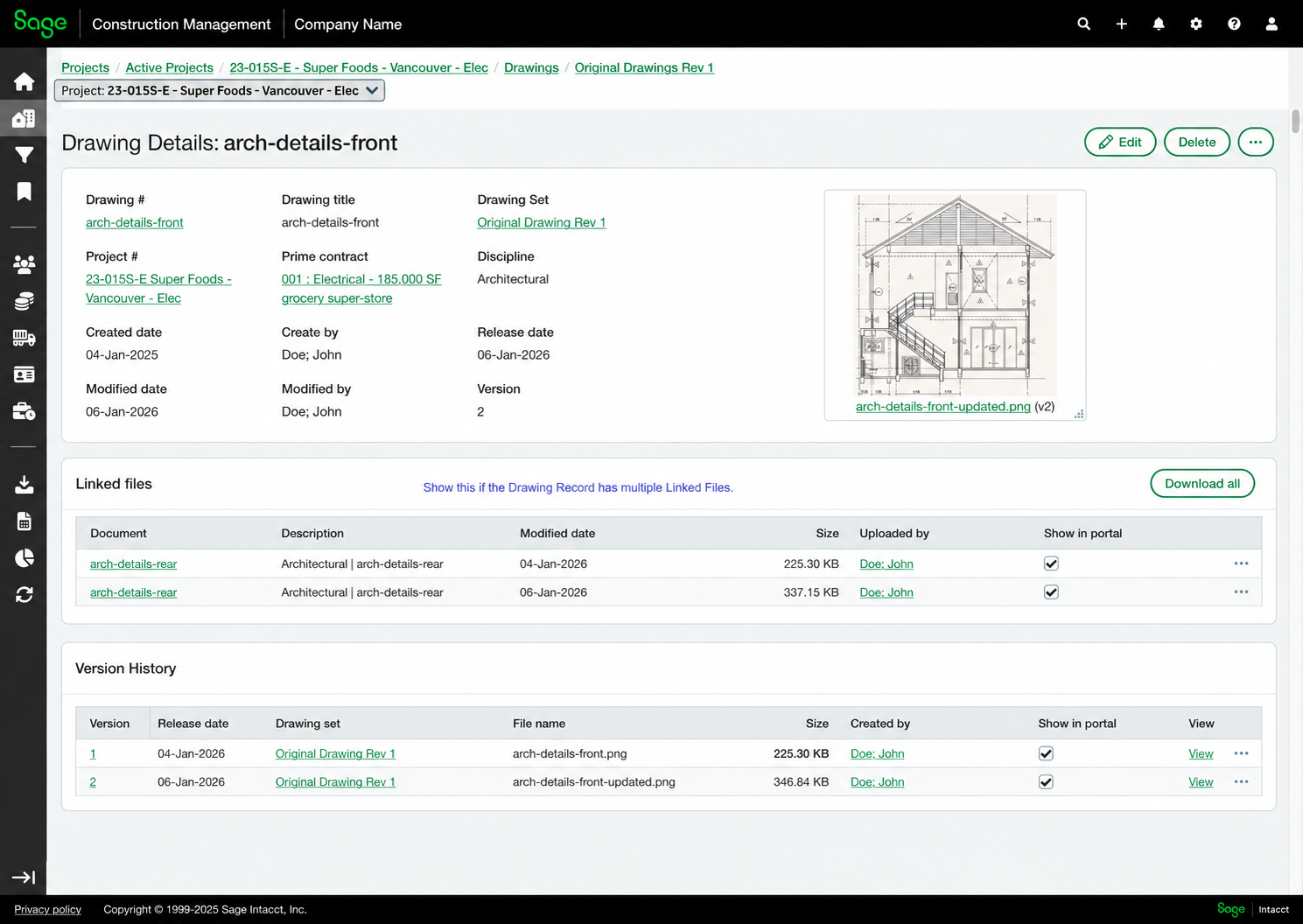
Updated drawing detail page
Related information
 Related topics
Review and manage drawing information more easily with an updated, structured layout.
Details
The drawing detail page has been redesigned to provide a more structured and consistent experience. Drawing information, linked files, and version history are now organized into clearly defined sections, making it easier to review and manage drawing details.
How it works
- Open a drawing from the Drawings page.
- Use the Linked files section to view and download associated documents.
- Use the Version History section to review previous versions and access individual files.