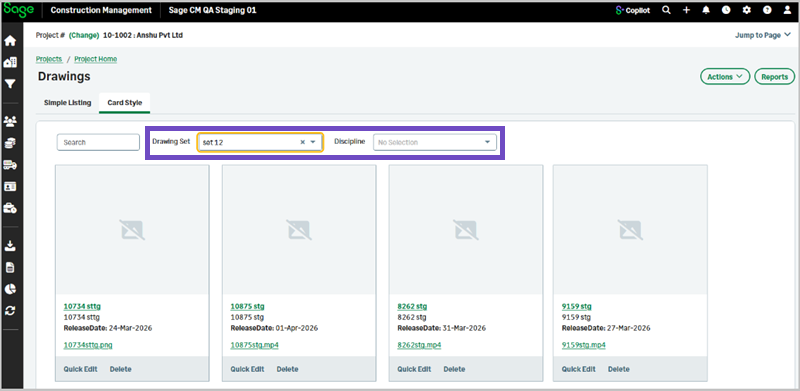
New filter options in drawings card view
Related information
 Related topics
You can now filter drawings in card view using drawing set and discipline.
Details
The Card Style view in drawings now includes additional filter options to help you quickly find relevant drawings. You can filter drawings by Drawing Set and Discipline using the dropdown lists that display values specific to the selected project.
How it works
- Open the Drawings page and select Card Style.
- Use the Drawing Set dropdown to filter drawings by a specific set.
- Use the Discipline dropdown to filter drawings by discipline.