New document viewer is now the default
Related information
 Related topics
Documents now open in the new document viewer by default.
Details
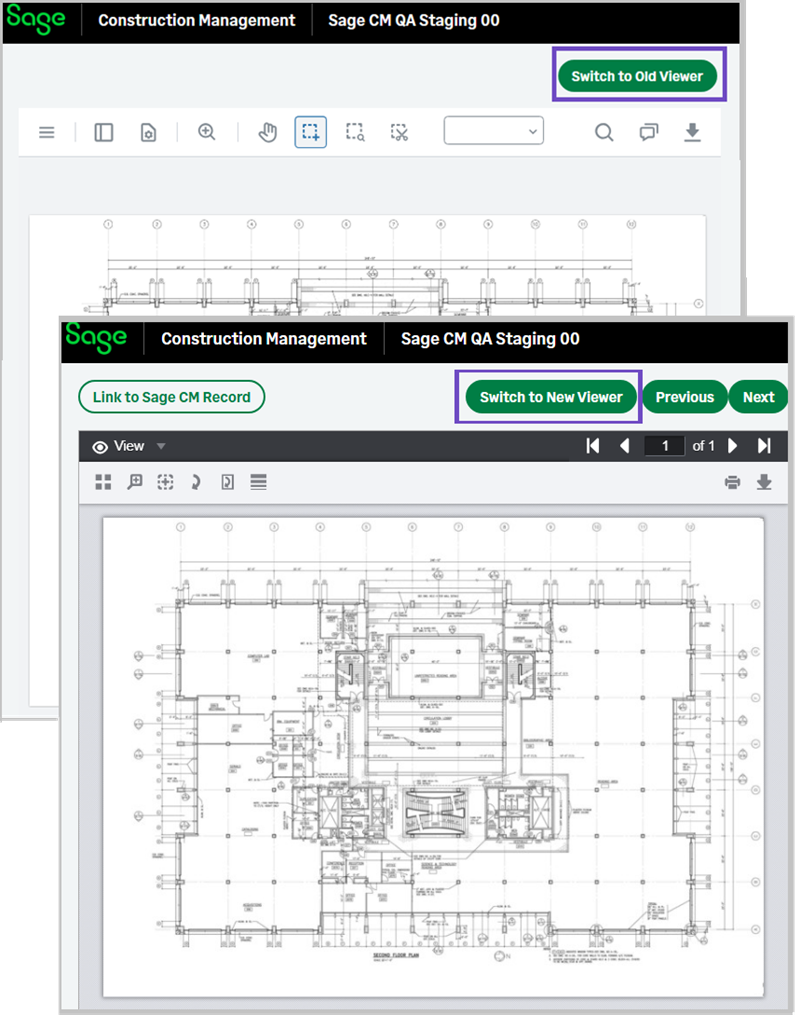
Sage Construction Management now uses the new document viewer as the default for all documents. A link on the top right lets you access the old document viewer. You can also switch to the old viewer from the new viewer.
How it works
-
Go to Projects and select the appropriate project from the list.
- Select Drawings and select a Drawing #.
The drawing opens in the new viewer by default. - Select Switch to Old Viewer, if needed.
- From the old viewer, select Switch to New Viewer.