Reset tax codes for multiple prime contract or subcontract original items
Related information
 Related topics
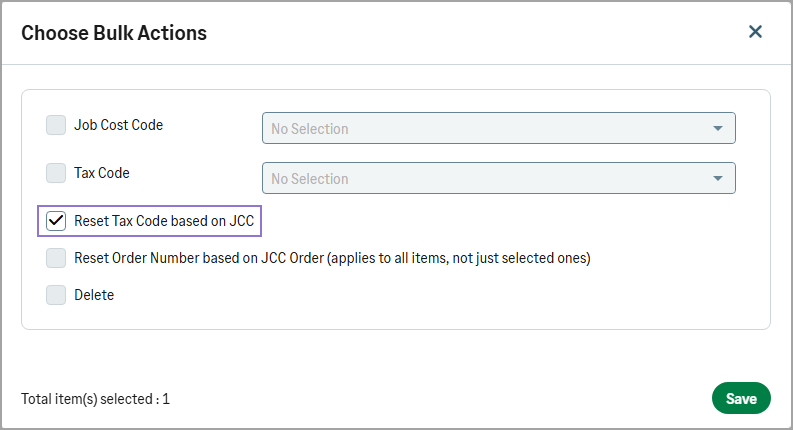
You can use the Reset Tax Code based on JCC bulk action to update tax codes for multiple prime contract or subcontract original items based on their assigned cost codes.
Details
This enhancement enables you to reset tax codes in bulk instead of updating items individually. When you use the Reset Tax Code based on JCC bulk action, each item is updated with the default tax code defined for its assigned cost code. This applies to both prime contract and subcontract original items.
How it works
-
Open a project and go to the original items table.
-
Select the items to reset their tax codes to the ones specified for their assigned cost code.
-
Select Choose Bulk Action.
-
In the dialog, select Reset Tax Code based on JCC, then select Save.