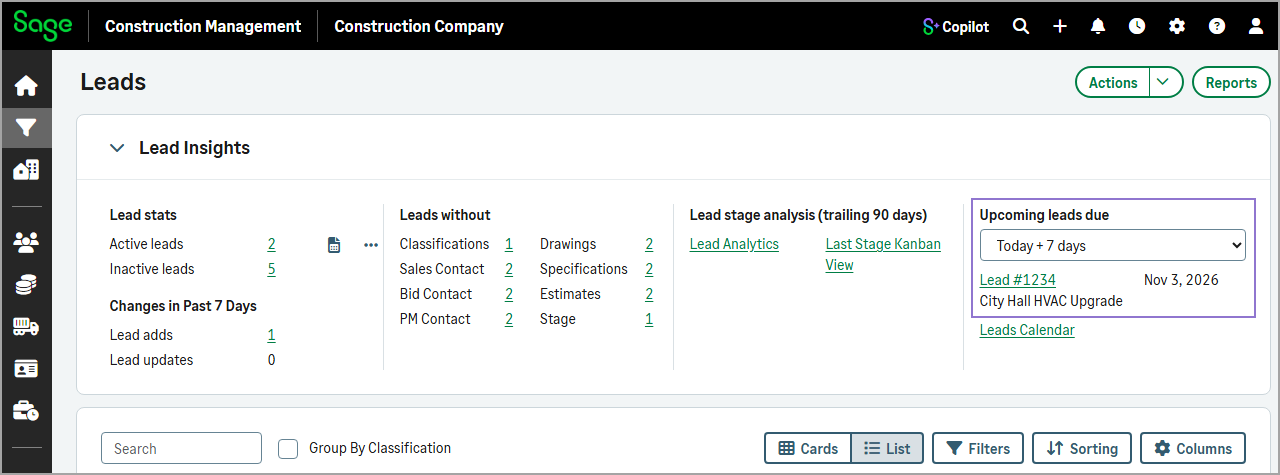
View upcoming leads by bid date
Related information
 Related topics
You can now use the new dropdown in the Upcoming leads due section of the Lead Insights to view leads based on their bid date.
Details
You can select one of the following options to view leads with bid dates that fall within the selected timeframe:
-
Today + 7 days
This is the default setting.
-
Today + 30 days
-
Today + 60 days
-
Today + 90 days
How it works
-
Go to Leads and expand the Lead Insights section.
-
Select an option from the dropdown in the Upcoming leads due section.
Leads with a bid date that falls within the selected timeframe display below the dropdown.