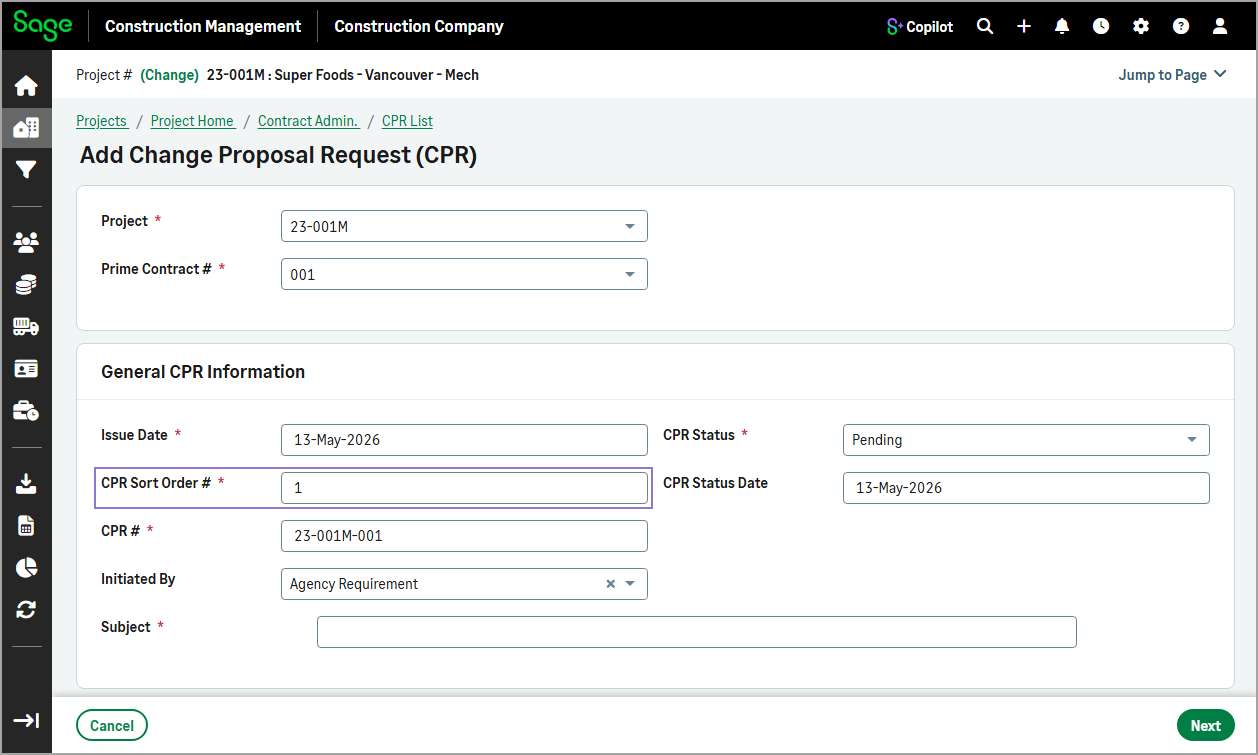
Order number field renamed
Related information
 Related topics
The Order Number field is now labeled Sort Order in the add and edit forms for multiple project transactions to better reflect its purpose.
Details
This update applies to the following transactions:
-
Change proposal requests (CPRs)
-
Change orders (COs)
-
Prime invoices
-
Subcontract change orders (SCOs)
-
Subcontract invoices
How it works
-
On the Project page, select one of the following transactions:
-
CPRs
-
COs
-
Prime Invoices
-
SCOs
-
Sub Invoices
-
-
Select Actions > Add Manually.
-
Enter the transaction’s sort order in the Sort Order field.
For example, when adding a CPR manually, enter the value in the CPR Sort Order # field.